Published 25 October 2026, Updated 25 October 2026
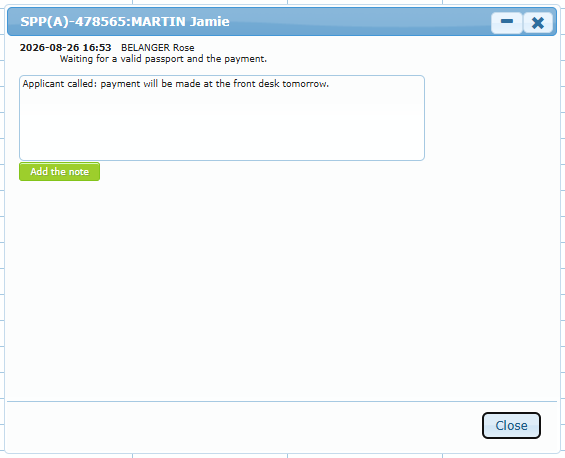
Display notes shows the notes of the case, newest at the bottom, with the date and the author. Type in Add a note… and click Add the note. You can also add a note without opening the window with Add a Case Quick Note (Ctrl+Enter to save).
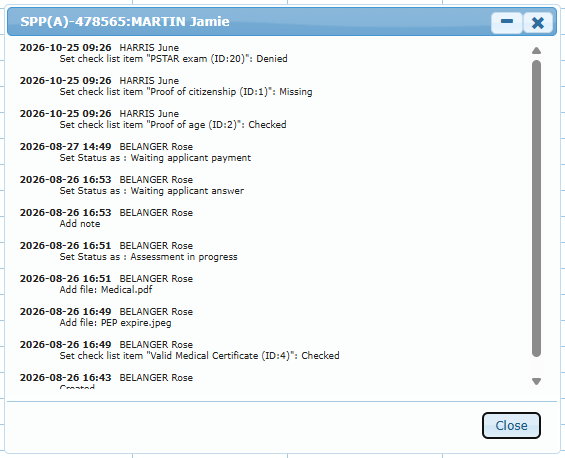
Display history lists everything that happened to the case, newest first: creation, status changes, checklist changes, files added, priority, closing, accounting acknowledgment, signature and emails sent (with the recipients).