Published 25 October 2026, Updated 25 October 2026
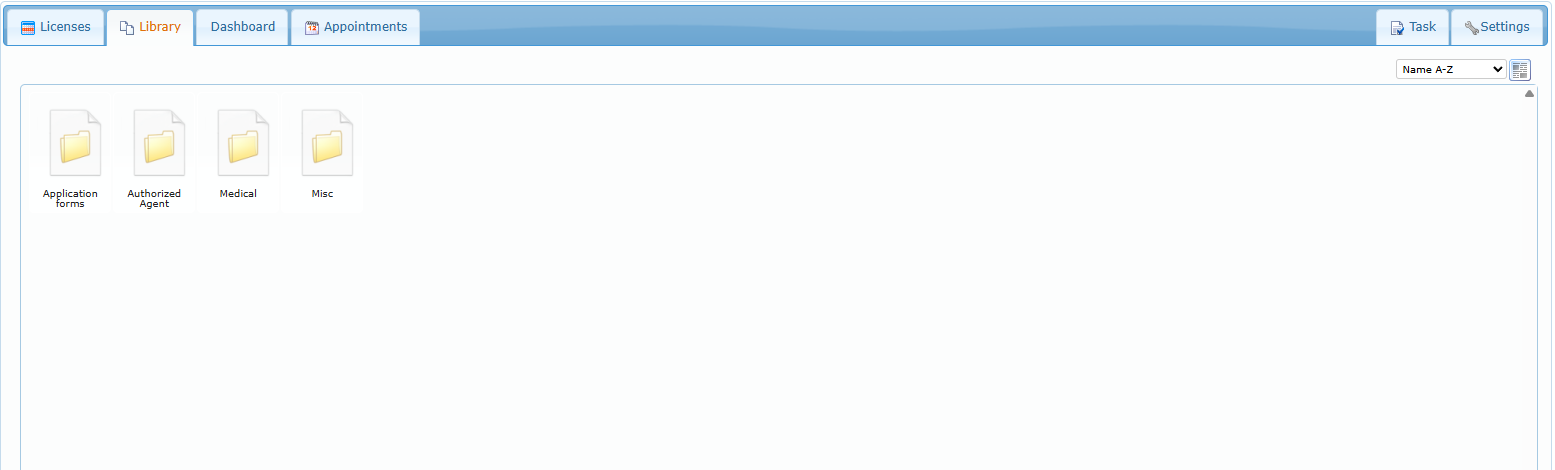
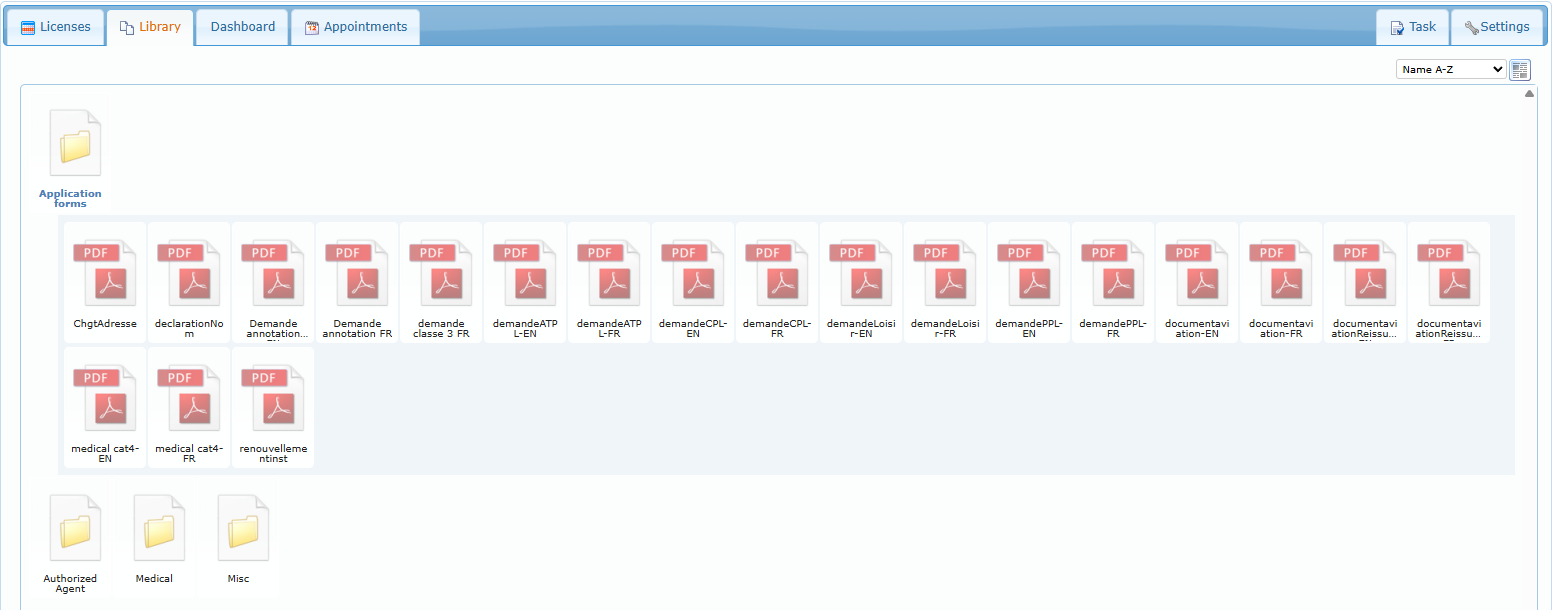
The Library is the licensing team’s shared document folder (application forms, medical forms, agent documents…). Click a folder to open it in place; click a file to open it.
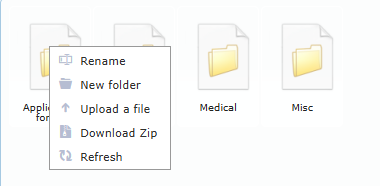
Right-click a folder to create a New folder inside it, Upload a file, Rename it, Download Zip of its content or Refresh it; Paste appears after you cut or copied a file. Right-click a file for Download, Delete (with confirmation), Cut, Copy, Rename, Download Zip, Send file, Lock and More options. To move a file, Cut it and Paste it into the target folder. What you may delete or rename depends on your credentials on the folder. See Handling files and folders for more details.