
Published 25 October 2026, Updated 25 October 2026
Accounting acknowledgment
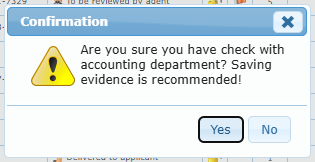
Accounting confirms that the case is paid or invoiced. Click the empty money-bag cell (or use Acknowledged by accounting on mobile). The confirmation asks whether you checked with the accounting department; saving evidence is recommended. Once set, the cell shows a green check and the Accounting not acknowledged badge disappears.
Signing a case
Only the authorized agents of the case type can sign. On desktop, double-click the Signed cell of the case and pick the date; on mobile, use Sign the case. If accounting has not acknowledged the case yet, a warning offers to set the acknowledgment at the same time. After signing:
- Signed by shows the agent’s name;
- Send a request and Delete the case are no longer offered;
- Send completion notification becomes available (when the type has a completion text);
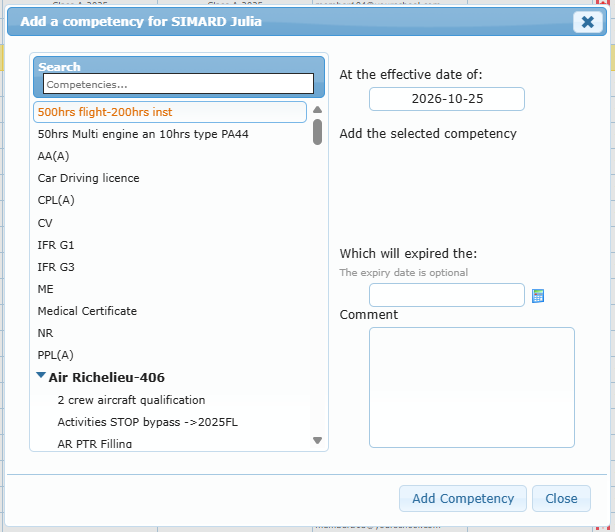
- the Add a competency window opens on desktop so you can add the new licence or rating to the member’s profile.
To change or remove a signature, an agent edits the Signed date (desktop) or uses Change the signature › Remove signature (mobile).