Published 25 October 2026, Updated 25 October 2026
Each case type has its own list of items to check (proof of age, medical certificate, exam results, recommendations…). Click the Check cell or use Checklist items to open the list.
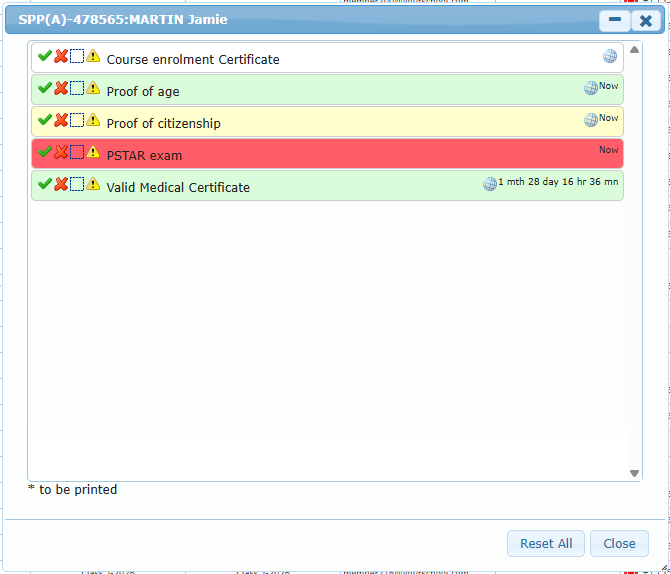
Click one of the four icons in front of an item:
| Icon | State | Colour of the line |
|---|---|---|
| Green check | Accepted | Green |
| Red cross | Denied | Red |
| Dotted square | Unevaluated | White |
| Warning sign | Missing | Yellow |
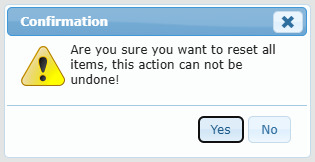
The time since the last change appears on the right of the item, with a globe icon when the item has reference links. Items marked with * must be printed. Reset All puts every item back to unevaluated after a confirmation (this cannot be undone).