
Published 18 October 2026, Updated 18 October 2026
A phase groups the lessons of one stage of training (for example Pre-solo, Navigation, Final test). It is usually closed by an evaluation lesson that must be passed to continue.
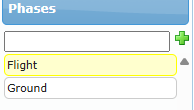
Add, order and select phases
- Select the course.
- In the Phases panel, type the phase title and click the green +. The add field is shown only when the course can be modified.
- Drag a phase up or down to change the order.
- Click a phase to open Design phases and to load its lessons in Design a lesson.
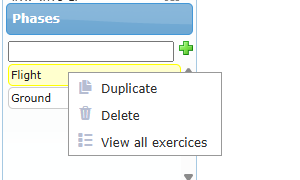
Phase right-click menu
| Option | What it does |
|---|---|
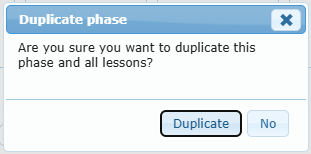
| Duplicate | After confirmation, adds a copy of the phase with all its lessons to the course. |
| Delete | Deletes the phase, all its lessons and their records. Only possible while the course is not assigned to any student; otherwise the message You can not delete this phase tells you how many students use the course. There is no undo. |
| View all exercices | Lists the exercise items used in this phase. |
Important: phases have no inactive state. To stop using a phase in a live course, switch its Published switch off instead of deleting it.
Design phases
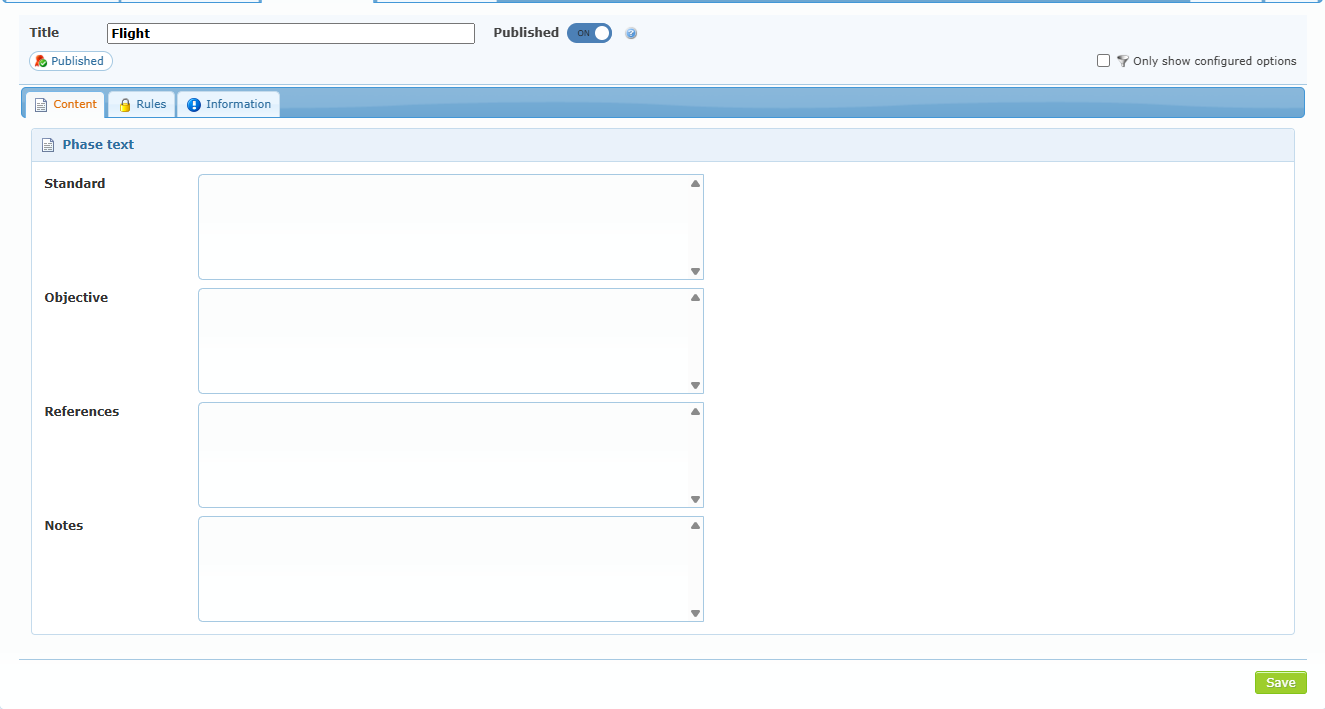
The header shows the phase Title, the Published switch, the badges and the filter.
| Element | Effect |
|---|---|
| Published switch | When off, the phase is not available to enrolled members. Saved immediately. |
| Content sub-tab | Standard, Objective, References and Notes of the phase. |
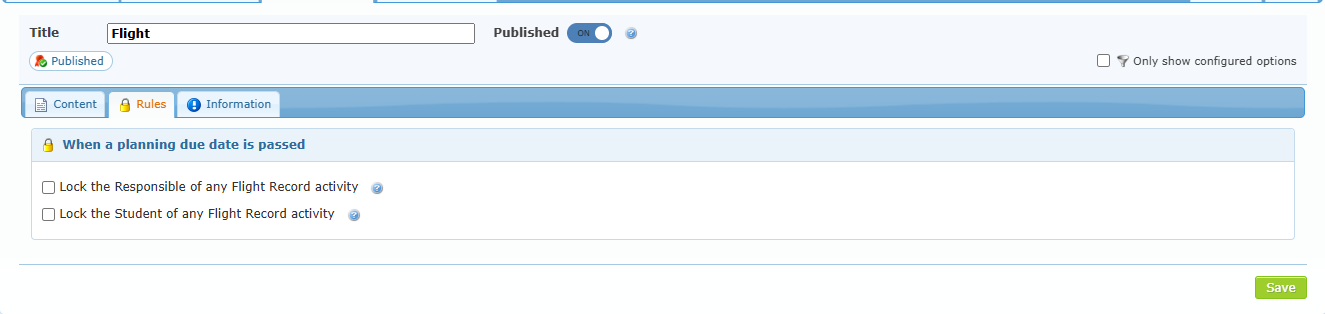
| Rules sub-tab | Locks applied when a planning due date is passed (see below). |
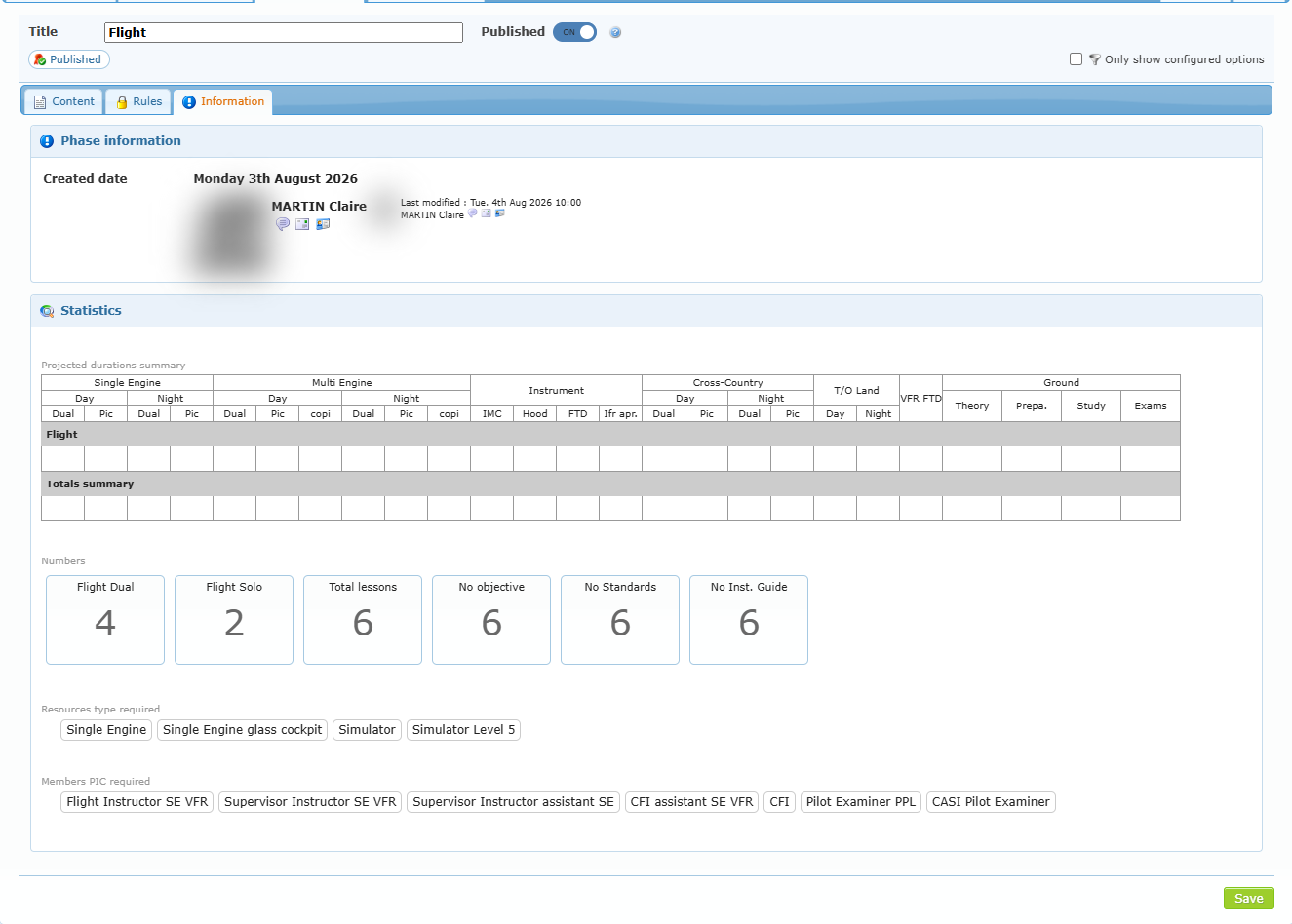
| Information sub-tab | Creation, last modification and statistics of the phase (same layout as the course statistics). |
Rules — When a planning due date is passed
| Option | Effect |
|---|---|
| Lock the Responsible of any Flight Record activity | The responsible person of the student cannot start Flight Record activities while a planned date of this phase is overdue. |
| Lock the Student of any Flight Record activity | Same lock for the student. |
Click Save to keep changes to the title, texts and rules.