Published 10 October 2026, Updated 10 October 2026
The mobile version gives the same e-trainings as the full website, in a simpler list.
Opening your e-trainings
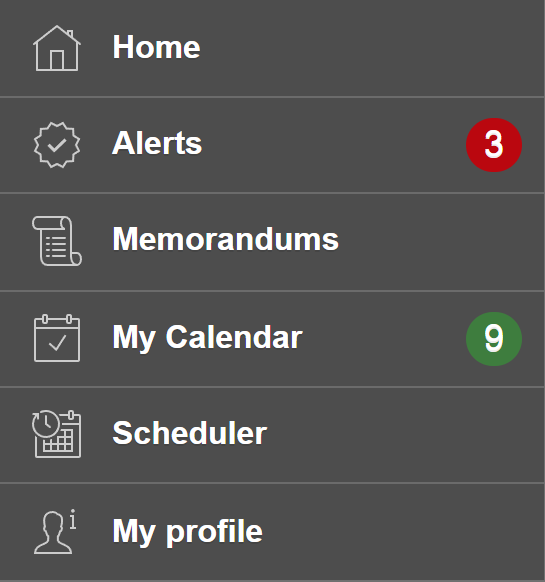
- Open the menu (top-left button) and tap My profile.
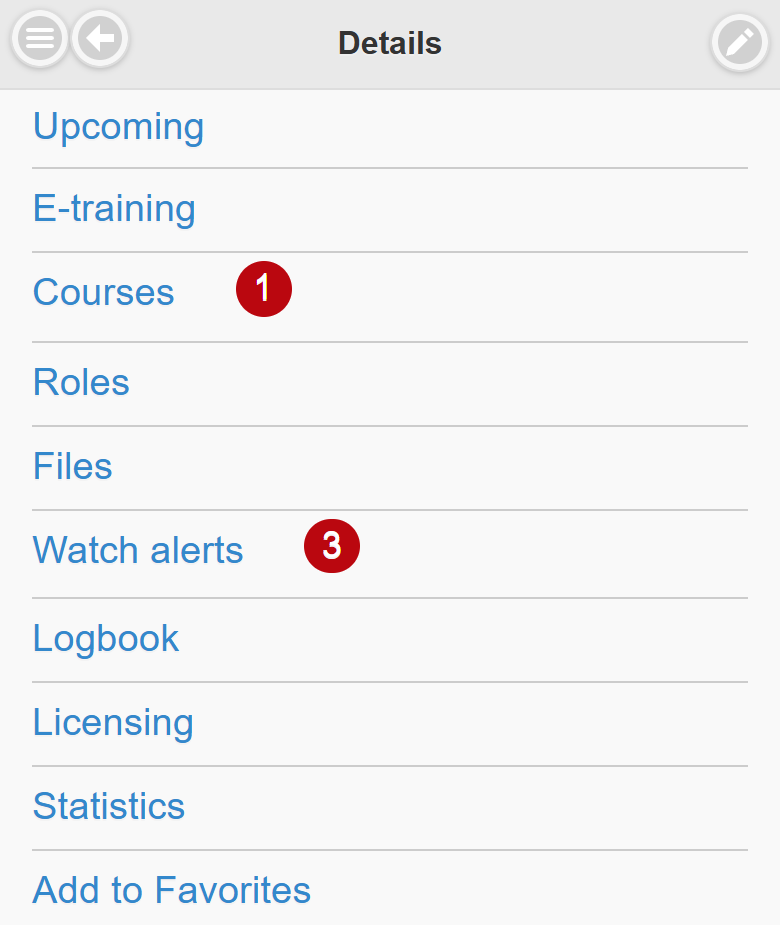
- Scroll down and tap E-training.
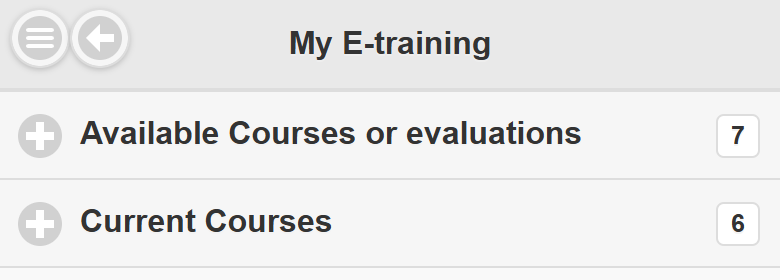
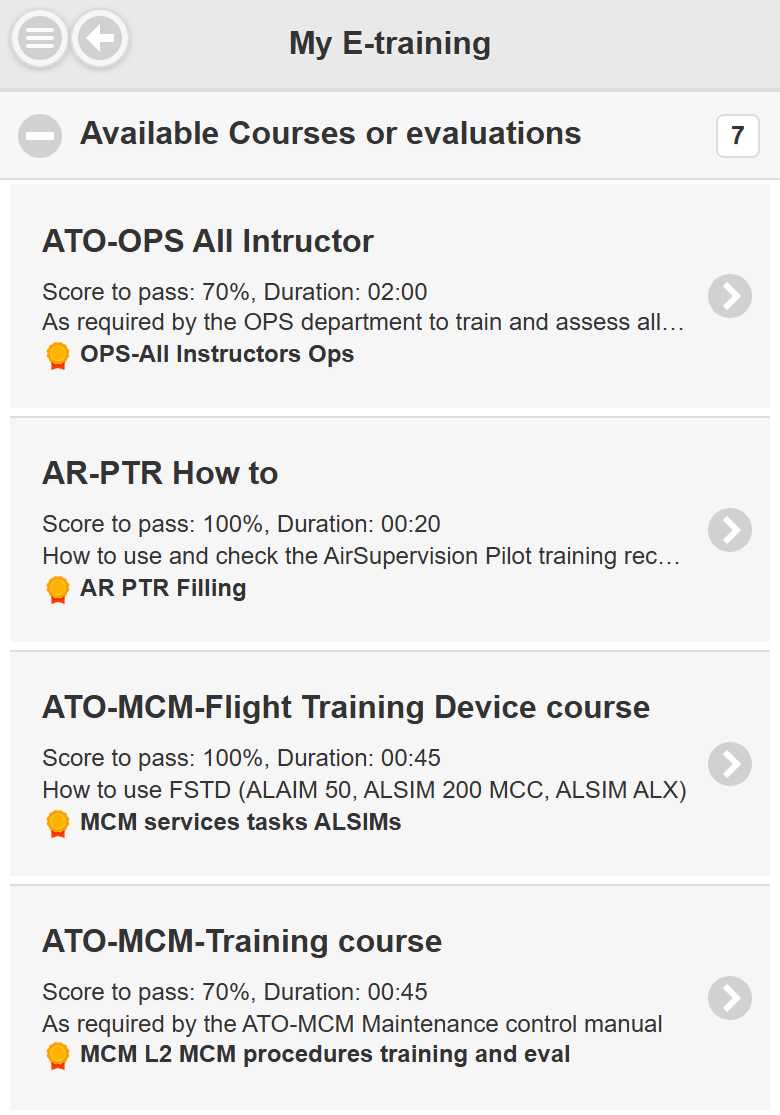
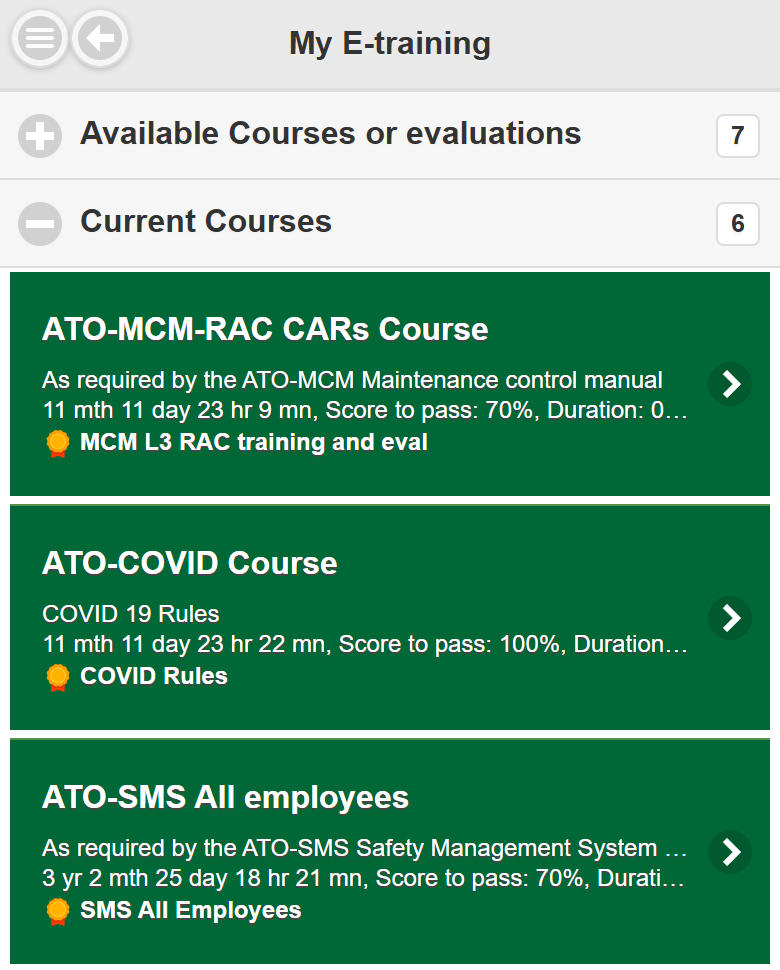
The My E-training page has two sections. The number on the right of each section is the number of items it contains. Tap a section to open or close it.
Available courses or evaluations
Each line shows the title, the score to pass and duration, the description and, with a medal icon, the competency renewed when you pass. Tap a line to launch the e-training.
Current courses
This section lists the courses you started and did not finish (green lines). Each line shows how long ago you started and the last slide reached. Tap a line to resume where you stopped. Finished e-trainings and results are shown on the full website.
Competencies in My Alerts
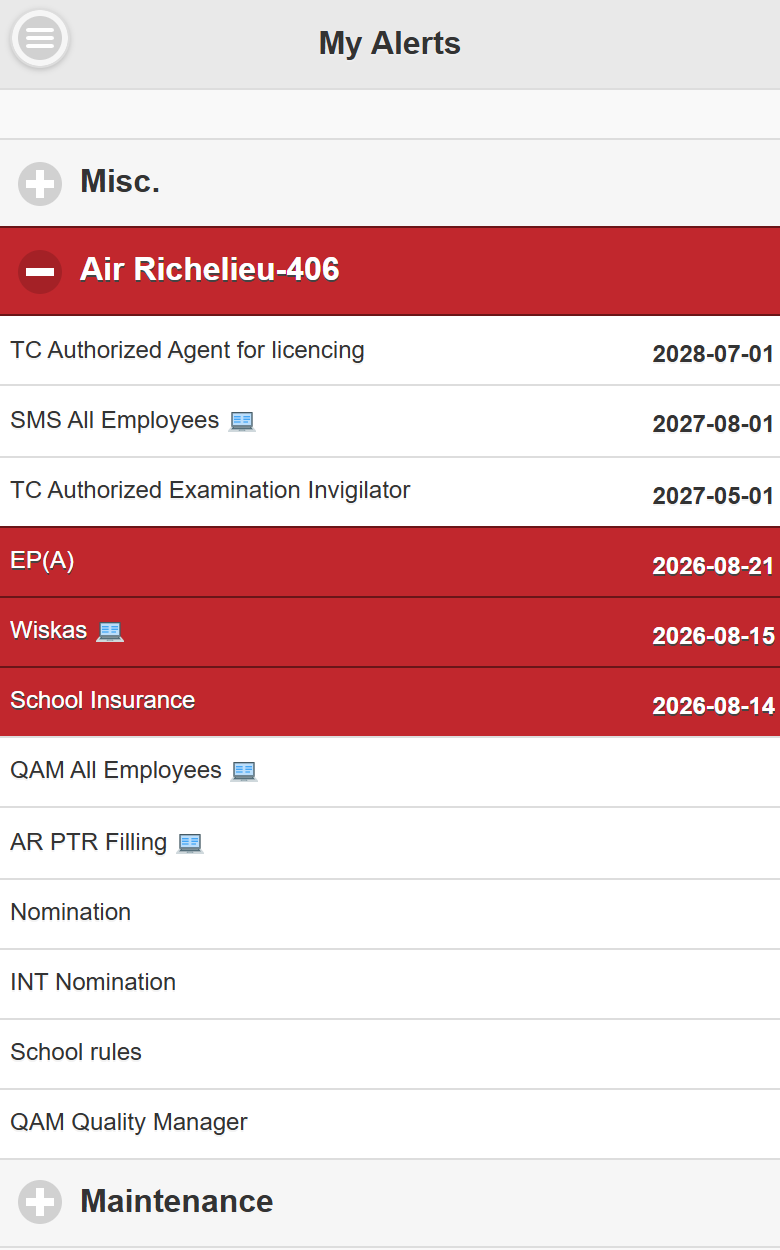
In Alerts, the competencies that an e-training can renew have a small e-learning icon next to their name. Red lines are expired or about to expire: open My E-training to renew them.