Published 13 October 2026, Updated 13 October 2026
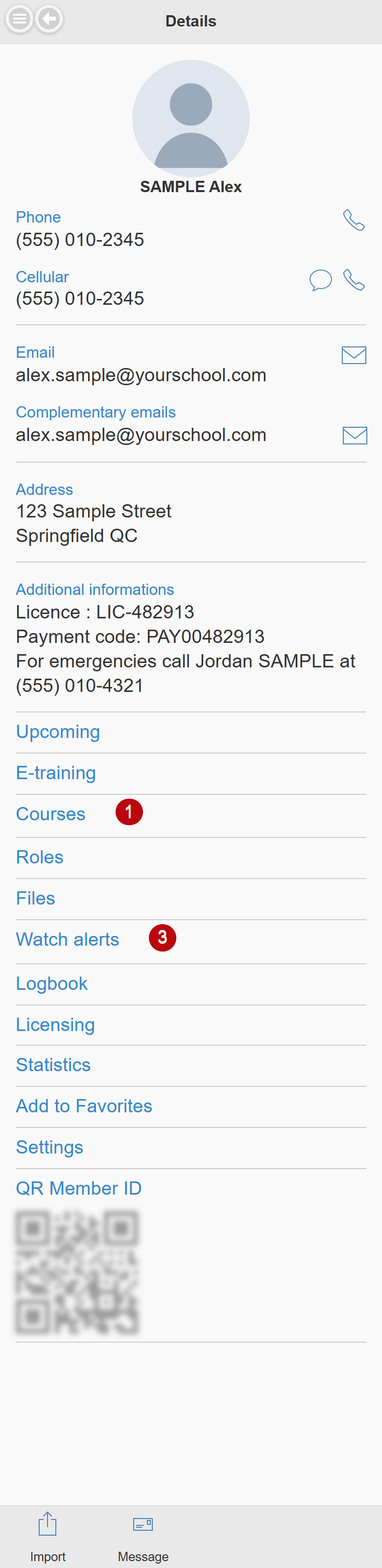
On a phone, open the side menu and tap My profile. The page shows your contact information first, then a list of entries that open the other parts of your profile.
Top of the page
- Tap your photo to see it larger.
- Red badges below your name warn you when Schedule or Flight record is blocked because an event report has not been answered.
- Phones, cellulars and emails have icons to call, send a text message or write an email. Tap the address to open it in a map; tap the calendar icon next to your birthday to add it to your phone calendar; tap the group icon to see the members of your group.
- Additional informations shows your licence number, payment code, emergency contact and the additional fields of your organization.
Profile entries
| Entry | What it opens |
|---|---|
| Upcoming | Your next scheduled activities. |
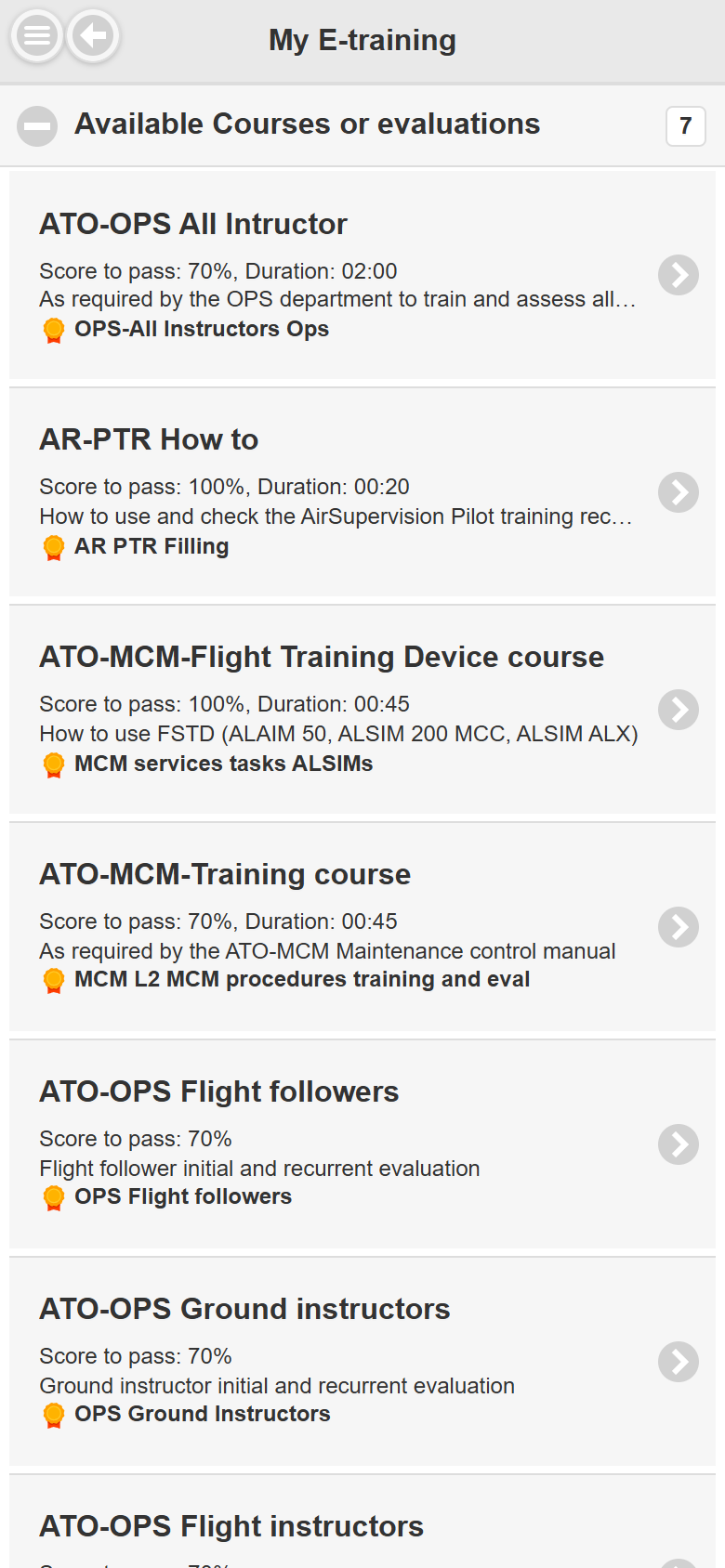
| E-training | Available and current e-trainings, grouped in two lists. |
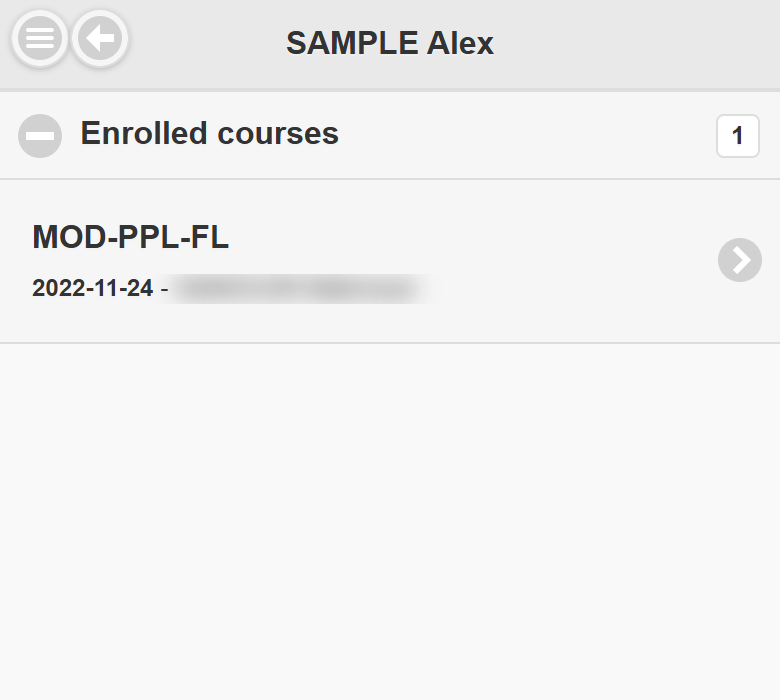
| Courses | Your enrolled courses. The badge counts courses with overdue (red) or soon due (yellow) lessons. Tap a course to open your training record. |
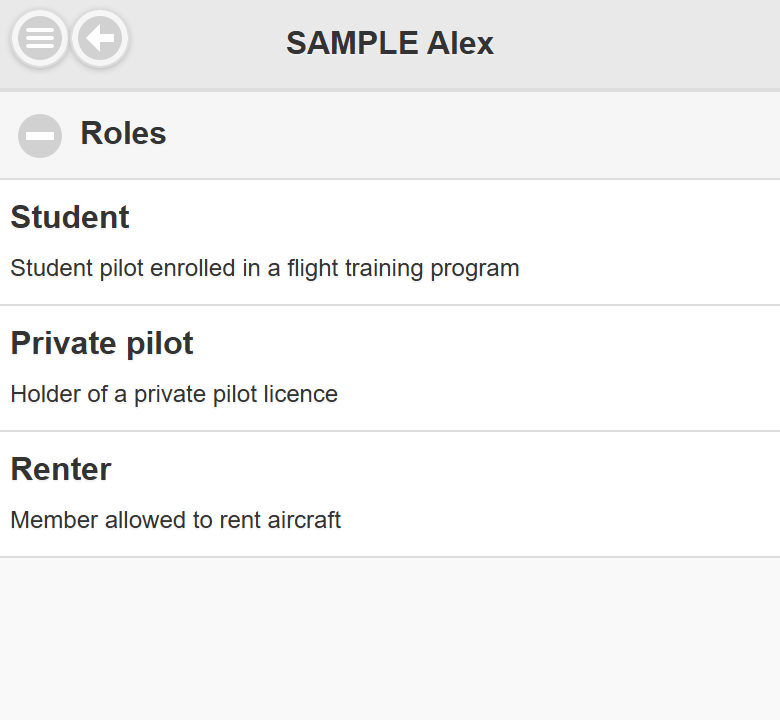
| Roles | The roles you hold, with their description. |
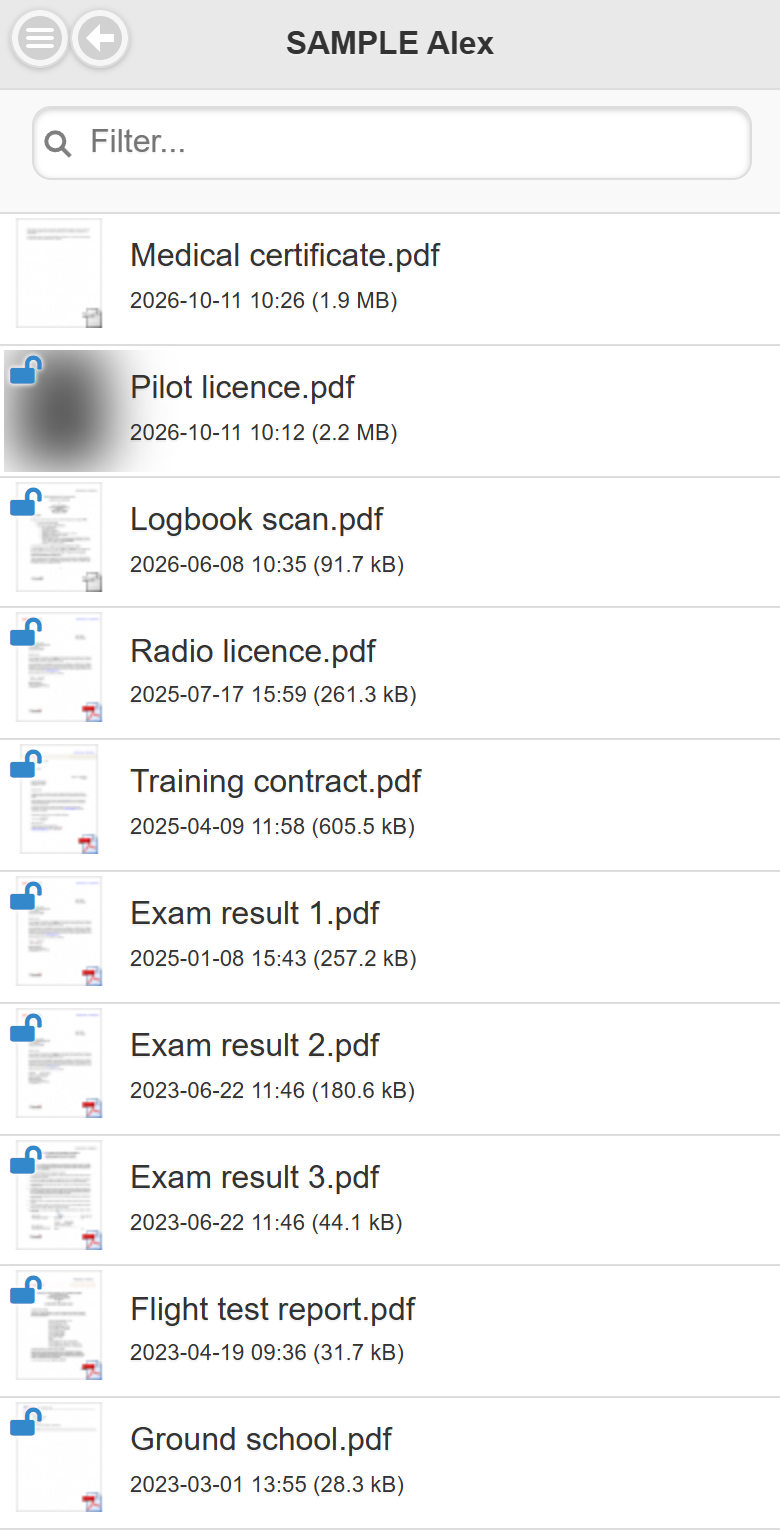
| Files | Your files with thumbnails, date and size; use Filter and Sort. |
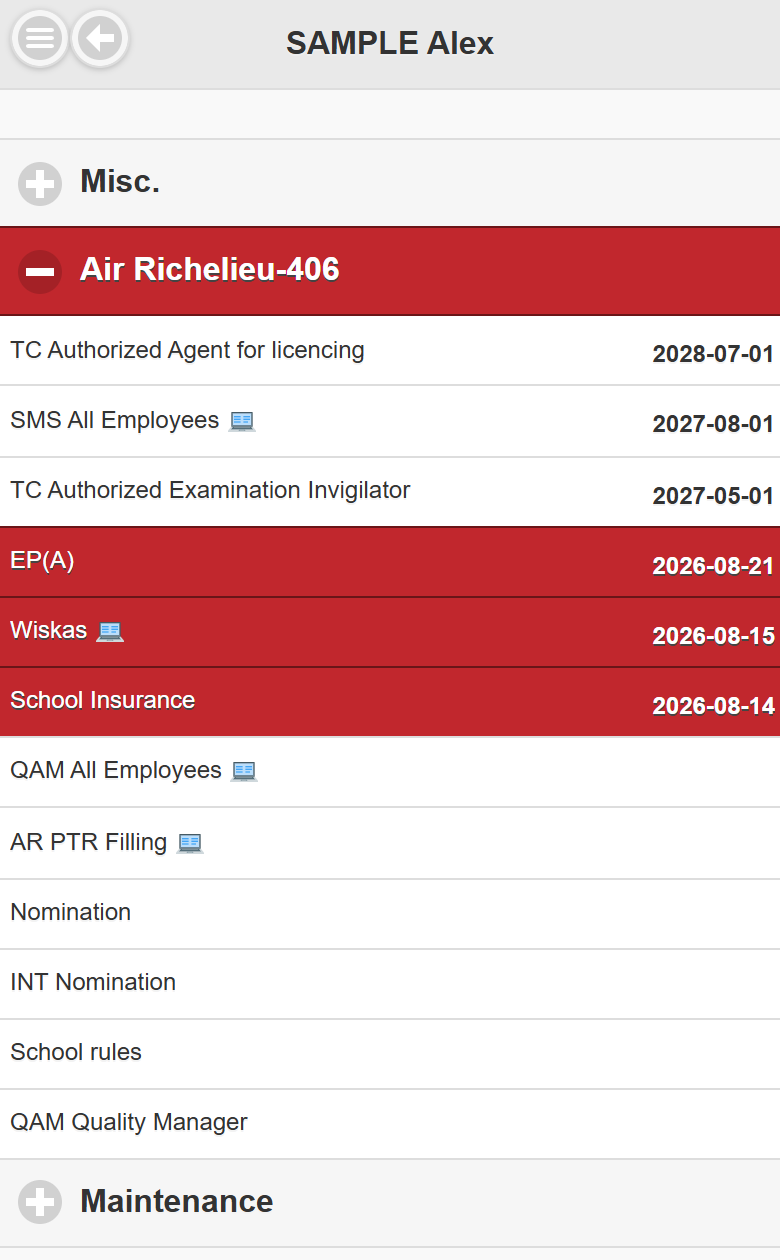
| Watch alerts | Your competencies grouped by category; red lines are expired, yellow will expire soon. The badge counts them. |
| Logbook | Your logbook from the flight records. |
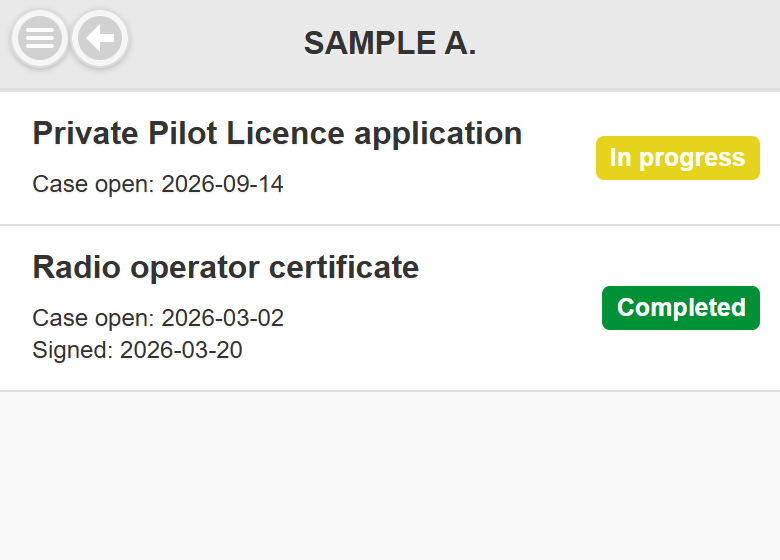
| Licensing | Your licensing cases: licence type, date the case was opened, signature date and status. The content of each case is handled by the licensing staff and cannot be opened by members. |
| Statistics | Your flight statistics. |
| Add to Favorites | Adds the profile to your favorite members. |
| Settings | Your clock puncher ID: Suggest a 5-digit code, then Save. |
| QR Member ID | Your personal QR code. |
The bottom bar offers Import (download your contact card) and Message (send an internal message).