Published 22 February 2026, Updated 28 February 2026
Scheduler access paths:
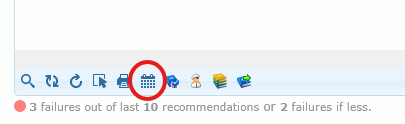
- Toolbar scheduler button.
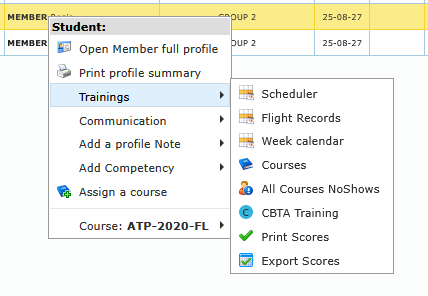
- Right-click training submenu for one member.
- Selected Students submenu for multi-member scheduler view.
Week calendar access paths:
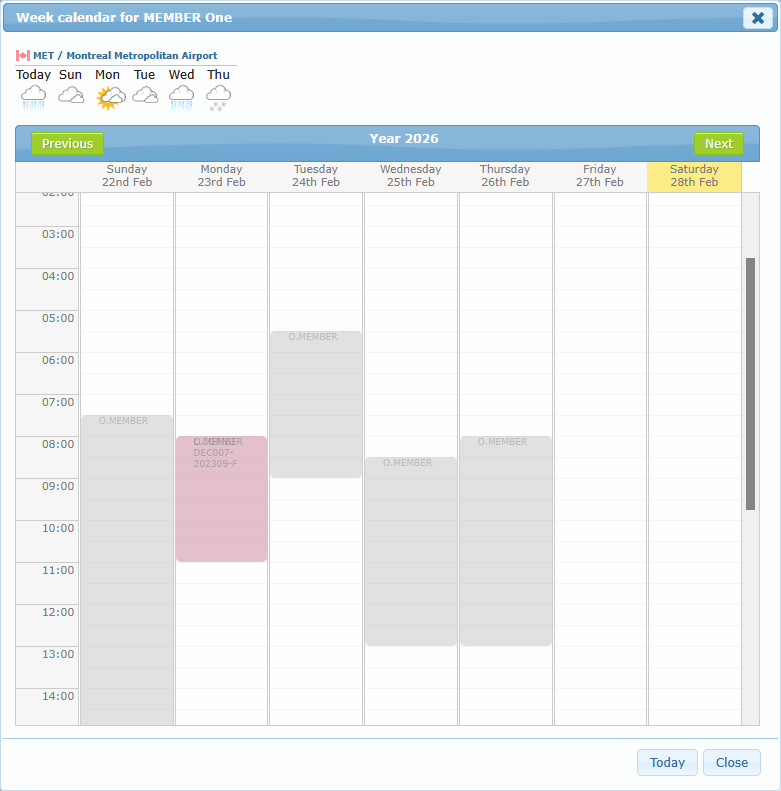
- Right-click training submenu for one member.
- Selected Students submenu for grouped week view.
Scheduler dialog details:
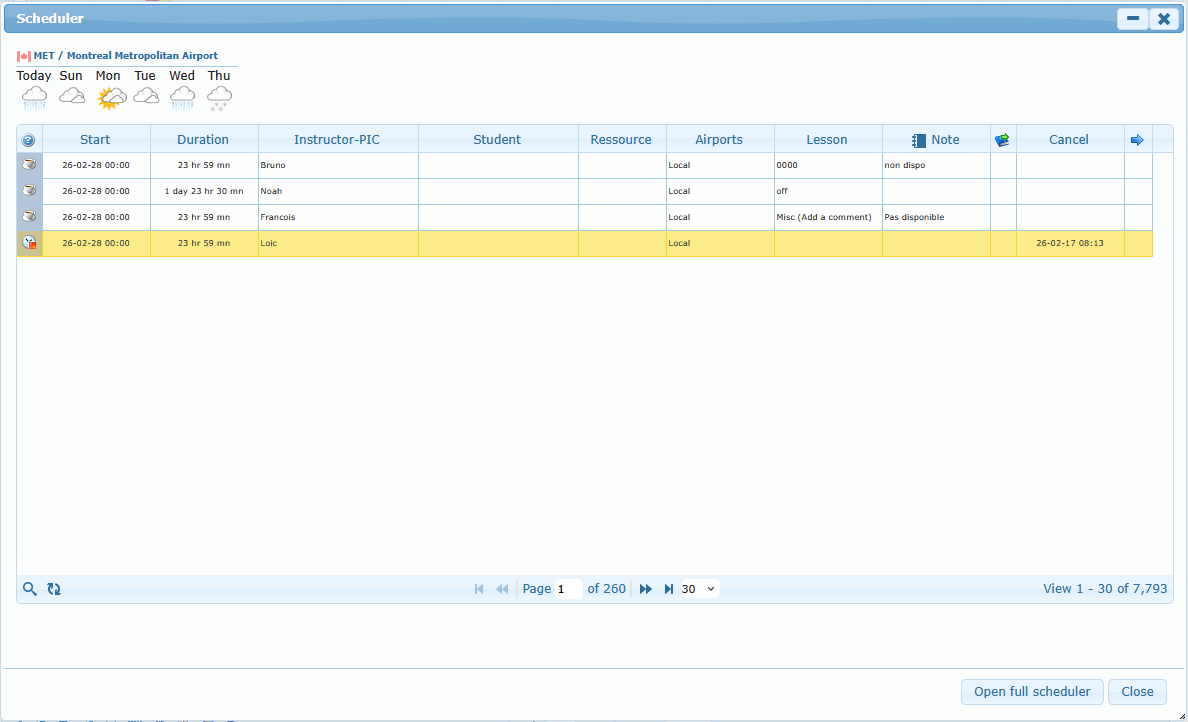
- Focuses on selected member(s).
- Supports viewing planning details from current list context.
- Includes Open full scheduler action for full scheduler page.