Published 22 February 2026, Updated 28 February 2026
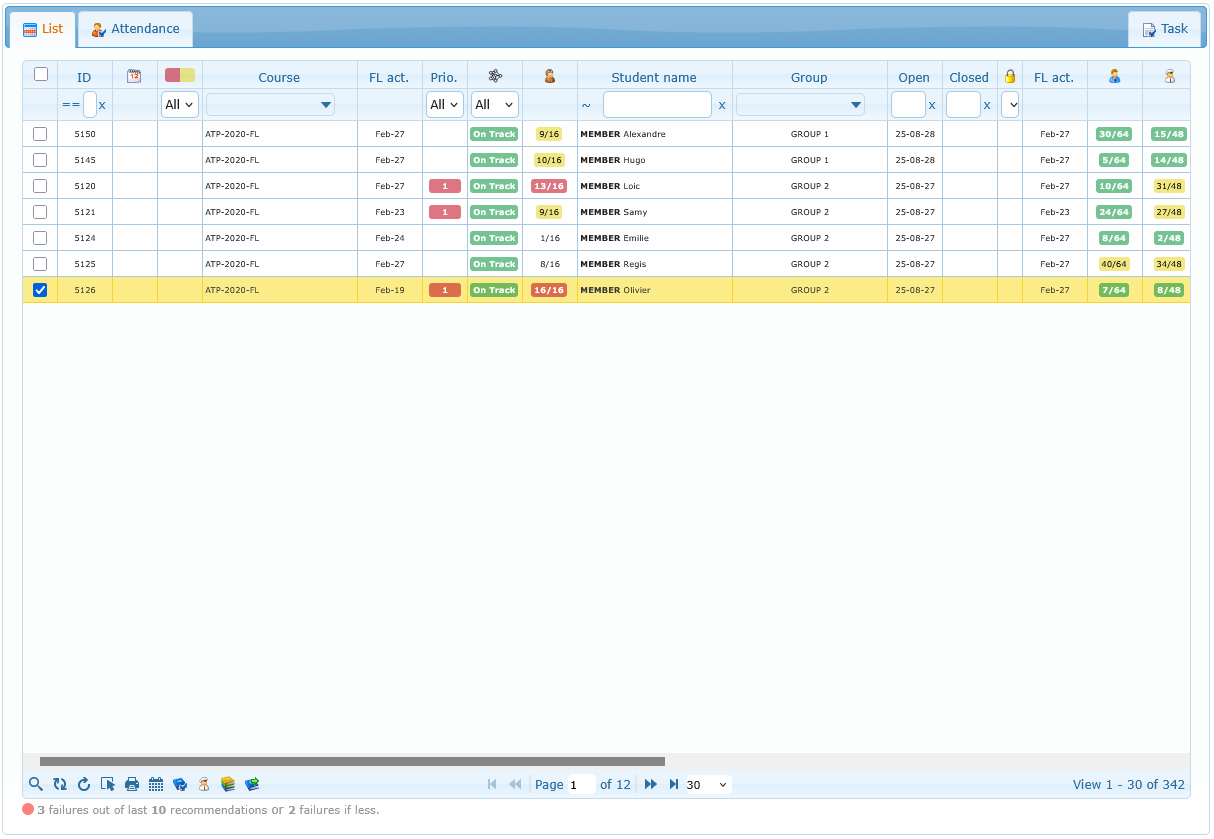
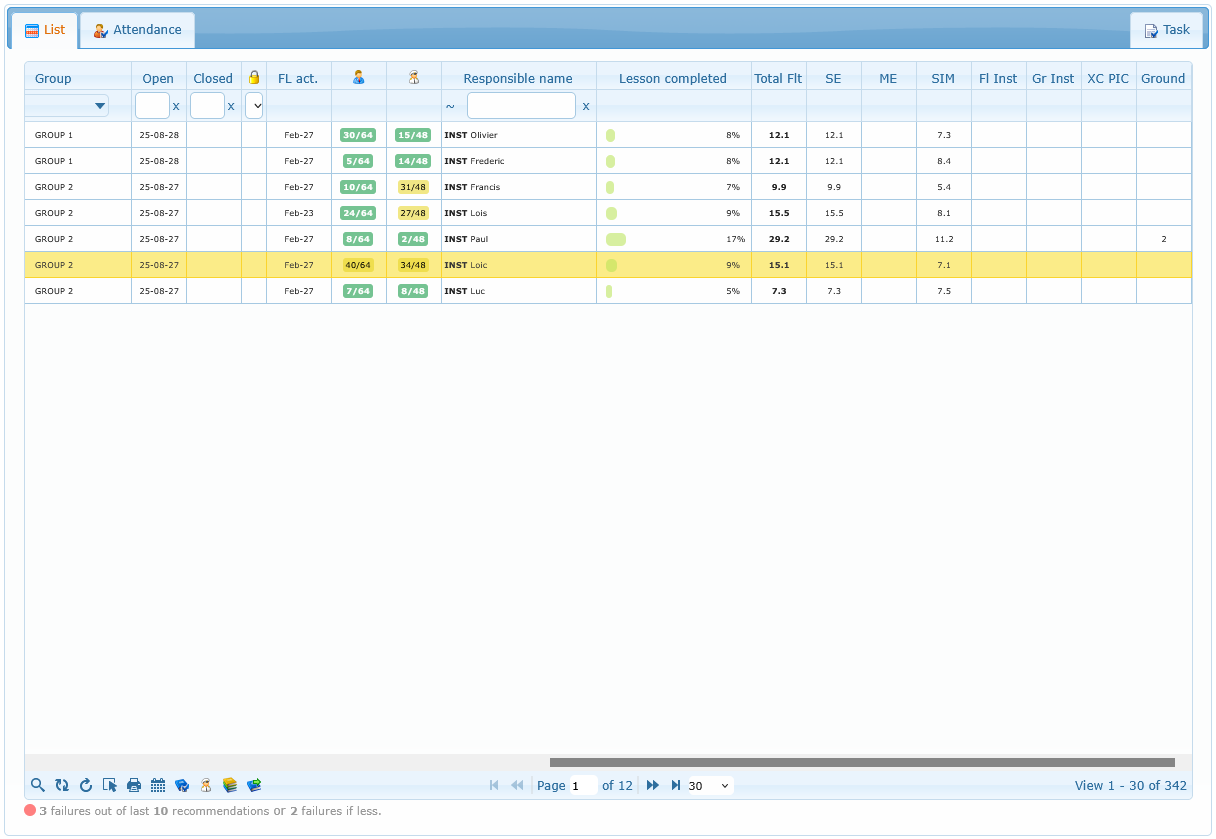
The List tab is the operational control area for course enrollments and student follow-up.
What This Area Is For (Operational Purpose)
In daily flight school operations, the List tab is the main coordination screen between training progress and operational execution.
This area is used to answer practical questions quickly, such as:
- Which students are currently active in courses?
- Which courses are becoming urgent and need planning priority?
- Who needs communication today (email, internal message, SMS, call)?
- Which student records require note updates, competency follow-up, or responsible reassignment?
- Which course records should be reviewed, closed, or re-opened?
Think of this tab as the day-to-day supervision console for course activity:
- dispatch/control teams use it to prepare and adjust training operations
- supervisors use it to monitor progress and intervene early
- admin/coordination staff use it for communication and record quality
In practice, most users open this tab first, apply filters, and then launch detailed actions from the row context menu.
You can:
- search and filter students/courses
- open detailed course records
- communicate with one or multiple students
- open schedule and planning tools
- assign responsibilities and priorities
- close or re-open a course