Published 22 February 2026, Updated 2 March 2026
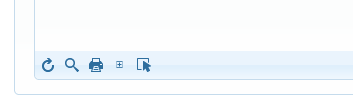
Toolbar controls:
| Toolbar control | Purpose | Notes |
|---|---|---|
| Refresh | Reload attendance dataset | Keeps current tab context |
| Toggle Search Toolbar | Show/hide filter row | Useful for narrow day filtering |
| Print selected sessions (PDF) | Print only selected session checkboxes | Requires at least one selected session |
| Toggle Tree View | Expand/collapse all session trees | Helps switch between overview and detail |
| Select/Unselect all sessions | Marks all session checkboxes at once | Used mainly before bulk print |
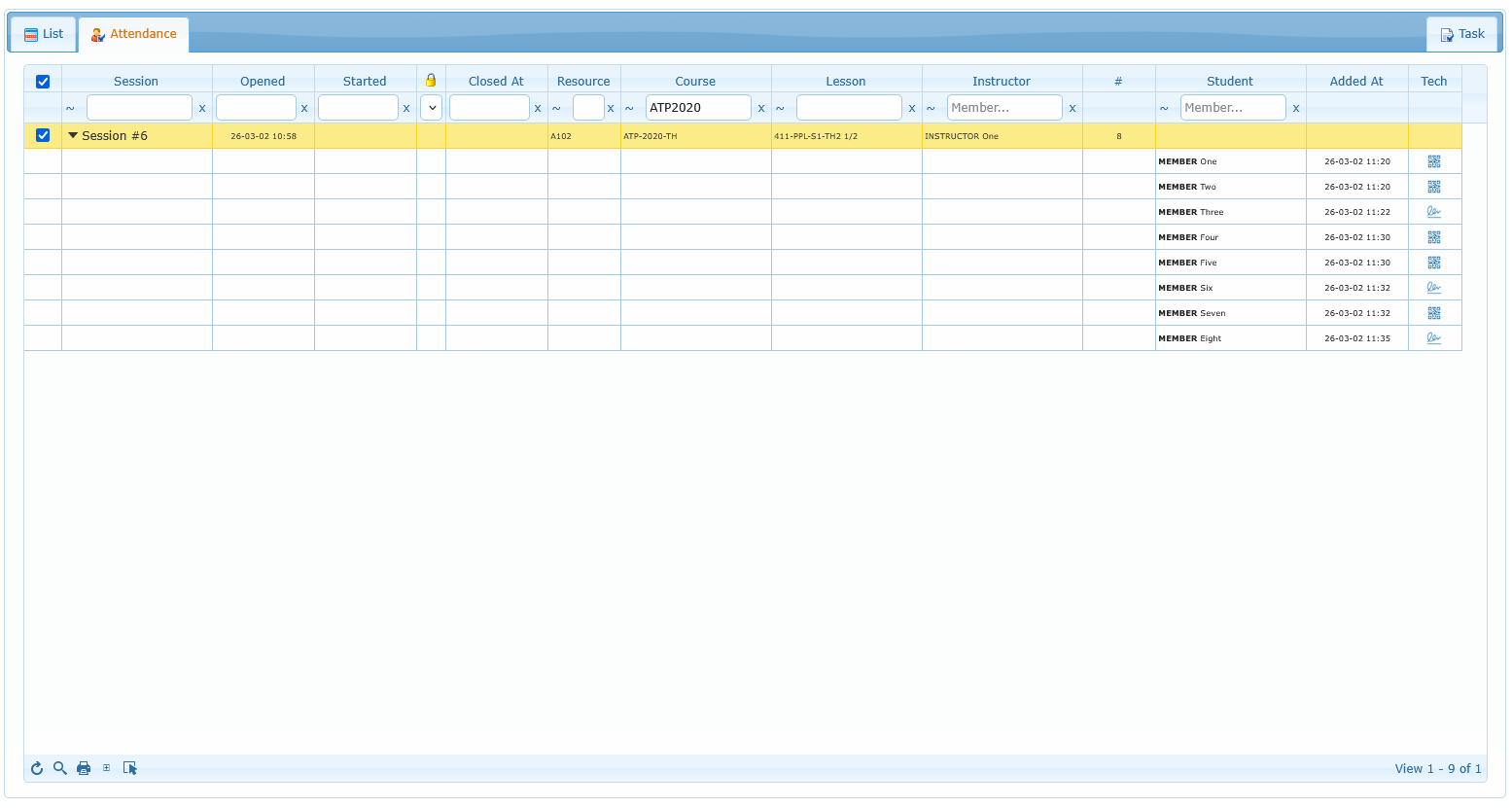
Attendance filter reference:
| Filter | Values / behavior | Typical use |
|---|---|---|
| Session | Text/operator search | Find one session quickly |
| Opened | Date range | Review sessions opened in a specific period |
| Started | Date range | Validate actual start activity by day/week |
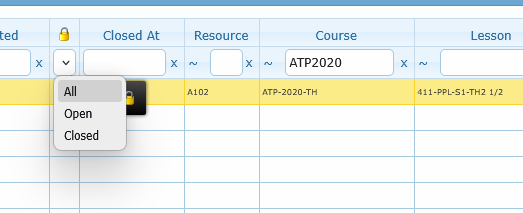
| Status | All, Open, Closed | Isolate sessions still pending closure |
| Closed At | Date range | Audit recently closed sessions |
| Resource | Text/operator search | Follow one aircraft/device/resource |
| Course | Text/operator search | Focus one training course |
| Lesson | Text/operator search | Review one lesson type |
| Instructor | Text/operator search with member search support | Focus one instructor workload |
| Student | Text/operator search with member search support | Find sessions including one attendee |
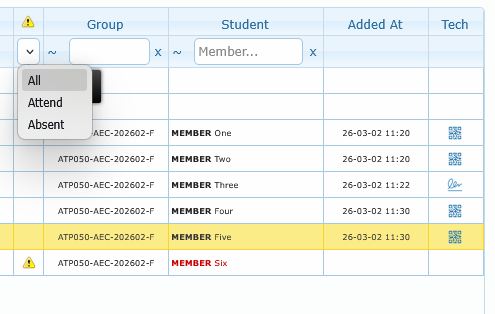
| Attend | All, Attend, Absent | Select student status |