
Published 15 October 2026, Updated 15 October 2026
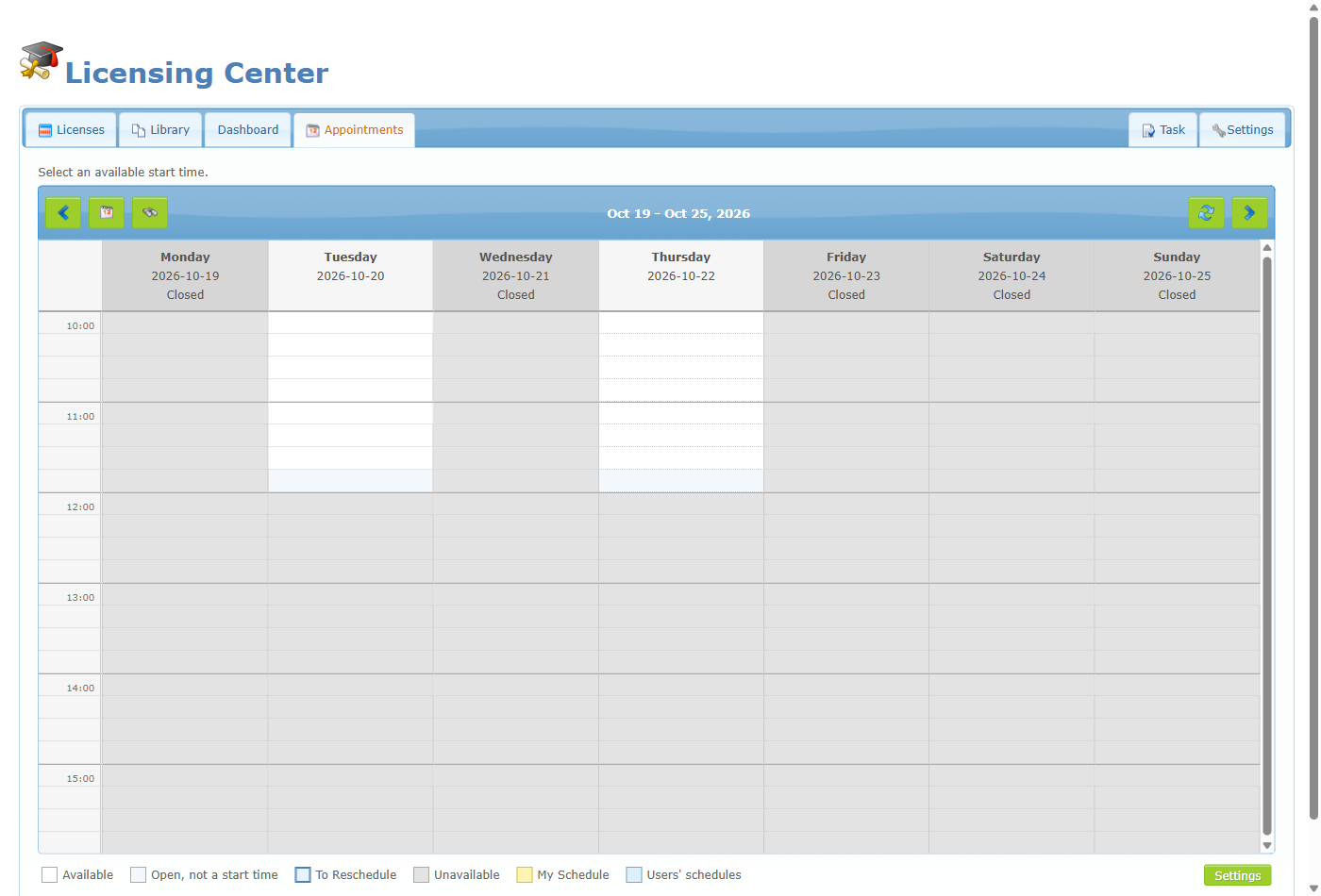
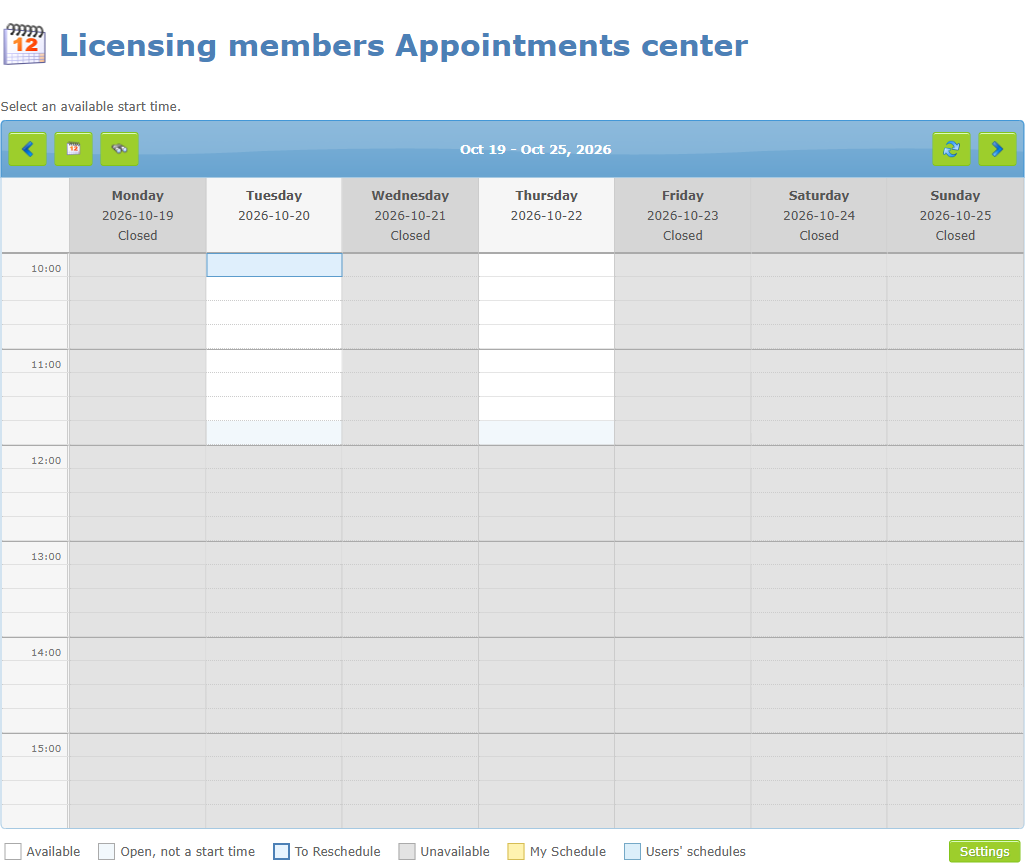
The Appointments center is where licensing managers see every appointment on one calendar, book or move appointments for members, search for a member’s appointment, open times that are normally closed, and define each appointment type (its length, rules, price, opening hours and closed dates).
Managers reach it from the Appointments tab of the Licence center. A button named Appointments center also opens the same page in its own window. Ordinary members use a simpler page (see the General knowledge article); managers see extra tools.
| Tool | Who sees it | Purpose |
|---|---|---|
| Merged calendar for all types | Managers | One weekly calendar showing every appointment type together. |
| Search (magnifier icon) | Managers | Find the previous or next appointment of a member. |
| Settings button | Managers | Create and edit appointment types. |
| Drag to open a time range | Managers (in the Licence center tab) | Make a closed time bookable for one type. |
| Book for a member | Managers | Choose a member in the booking window. |
| Existing invoice number | Managers | Book without a card charge. |
| Move / delete with notification choice | Managers | Manage any appointment. |
In this chapter
- The manager calendar and search
- Booking an appointment for a member
- Opening a closed time
- Managing an existing appointment
- Appointment type settings
- Business hours, closed dates and special openings
- Mobile version and emails
- Good practices and troubleshooting