
Published 21 January 2023, Updated 22 February 2026
Members can only view their assigned courses. But course responsible can view everyone’s courses, while some users, with proper credentials set by administrators are able to enrol, close or manage courses, such as setting the course’s responsible member.
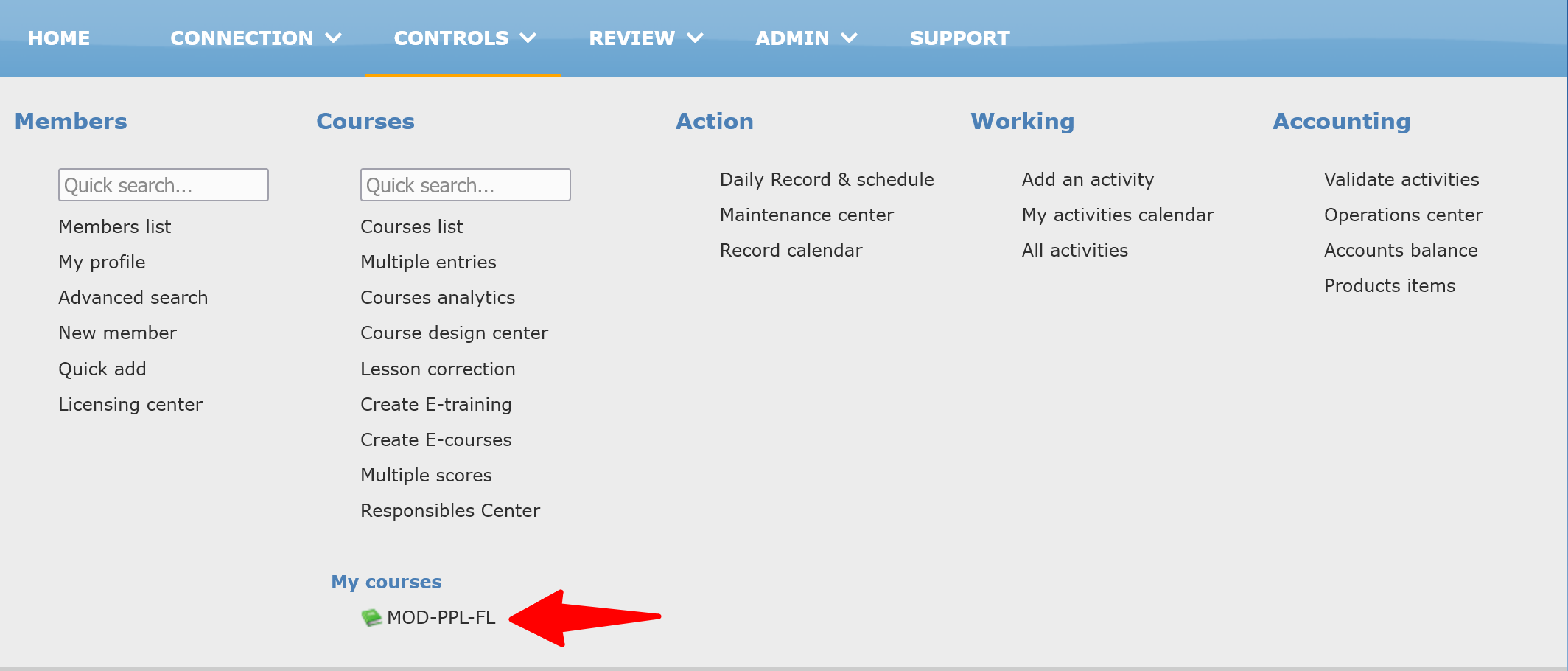
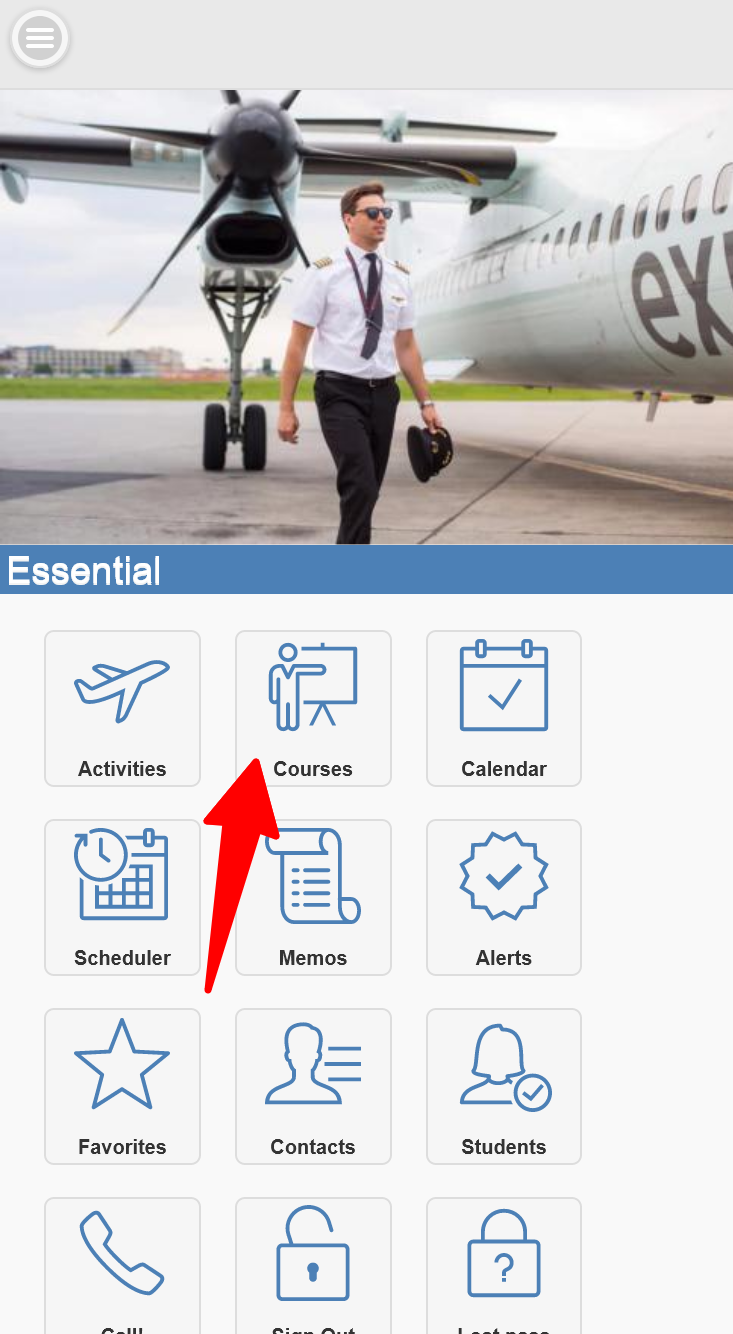
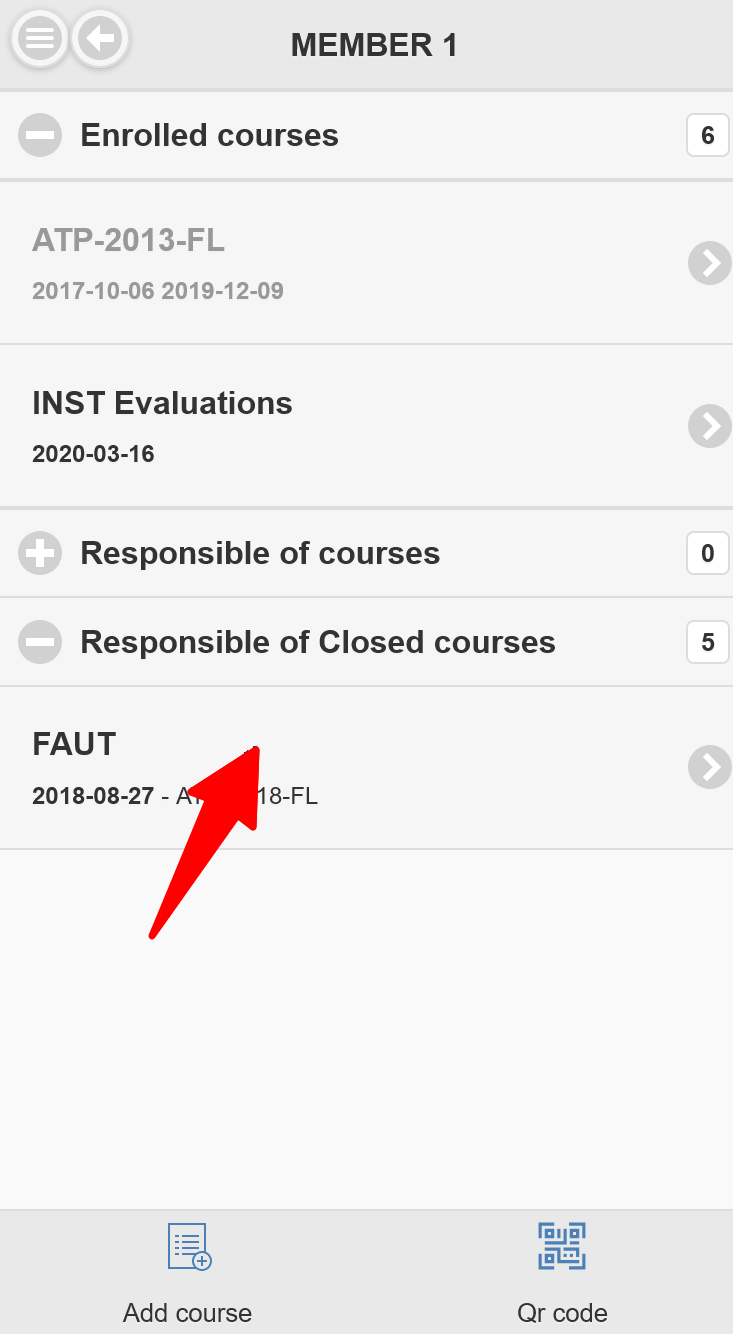
Members can access their own assigned courses using the main menu or all their courses through their profile page or at the homepage of the mobile device version.
Who can access
| Role | Typical access |
|---|---|
| Student | Can open own course, review progress, and sign when required/allowed. |
| Instructor/Teacher | Can record/edit lesson data according to permissions and course status. |
| PIC | Can sign, update own lesson records when allowed, request corrections on done entries. |
| Responsible | Can monitor and manage course progress and dates (depending on role rights). |
| Admin/Management | Full controls (responsible changes, close/reopen, start date change, advanced views). |
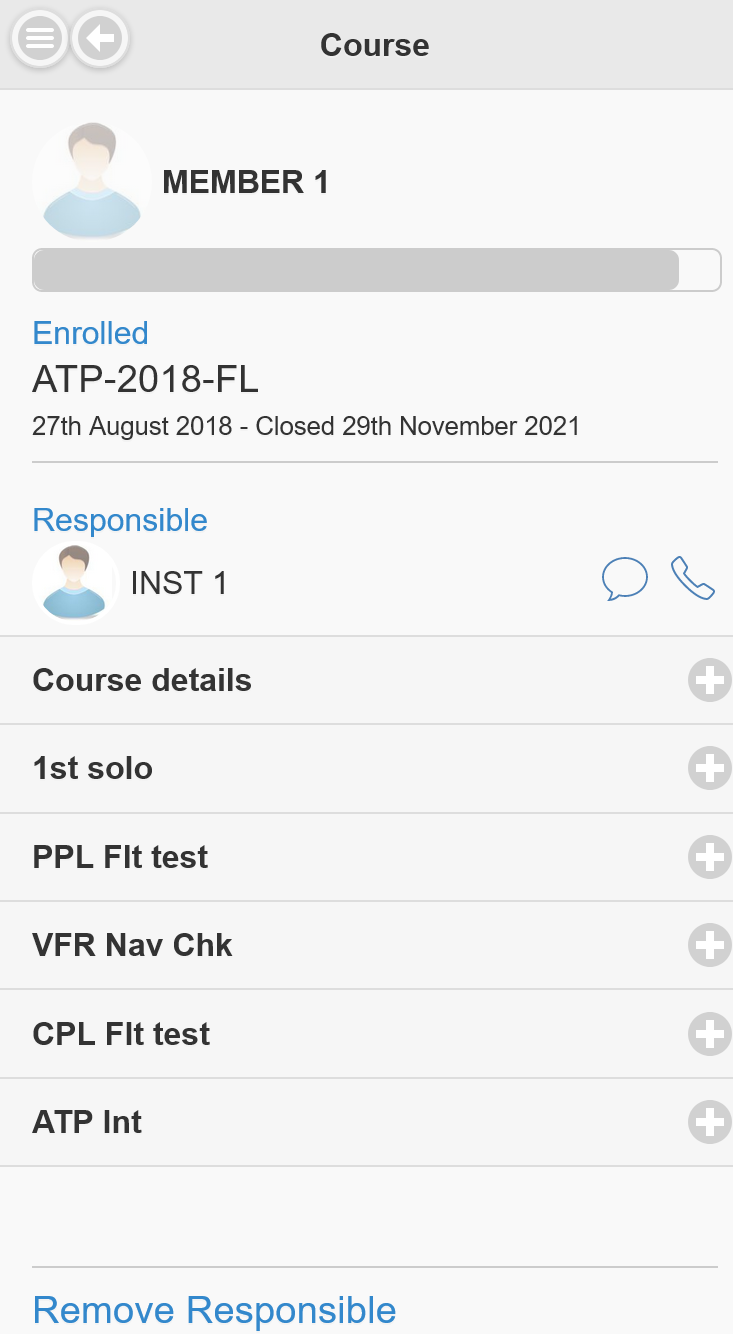
The mobile version will display phases and lessons while the complete desktop version will display more options as follow:
