Published 27 February 2026, Updated 28 February 2026
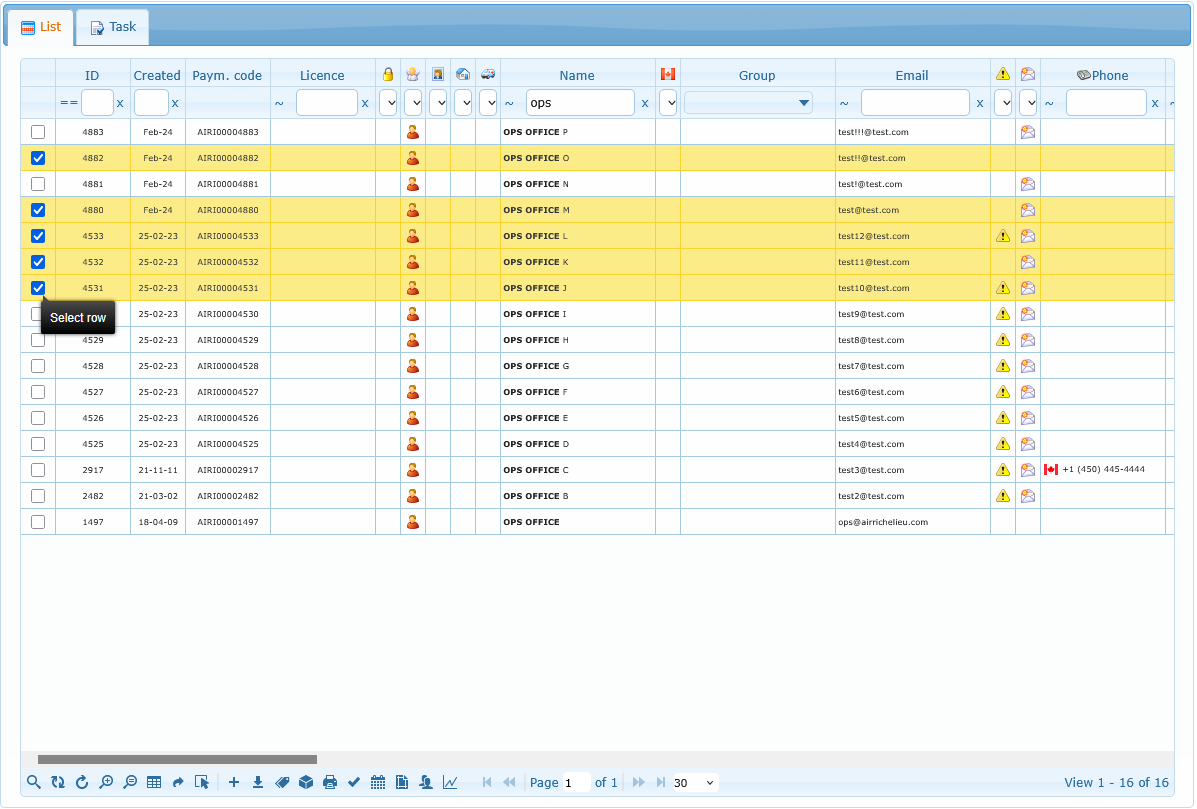
Select several rows using the checkboxes, then use either:
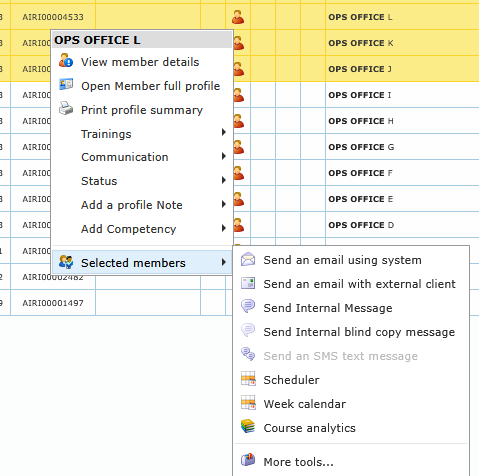
- the Selected members submenu in right-click
- the More tools for selected members toolbar button
This is designed for batch admin work (communication, scheduling, group management, role updates, etc.).
Typical multi-selection actions:
- system email / external email
- internal messages
- SMS
- scheduler
- week calendar
- course analytics
- more tools