Published 27 February 2026, Updated 28 February 2026
When a row is selected, the Member details panel opens with its own tabs. This allows fast review and updates while staying in the List tab.
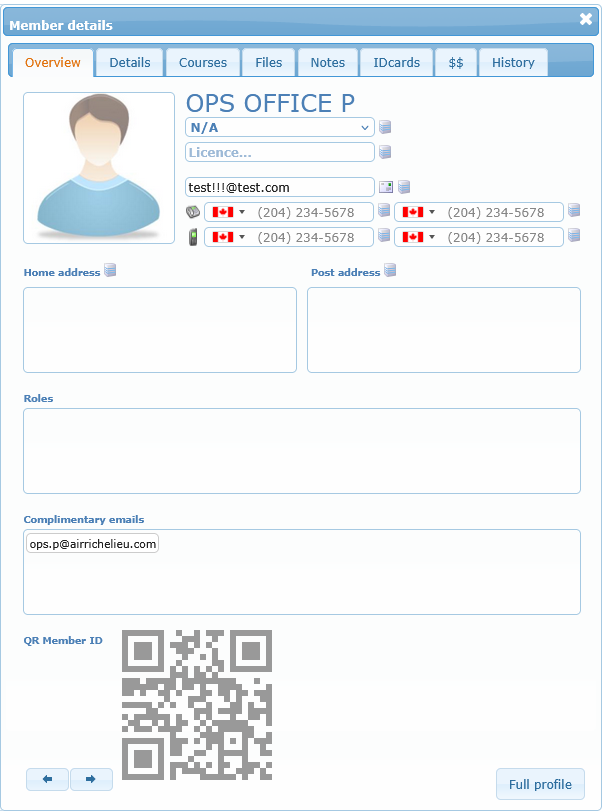
Overview
This section summarizes the identity card of the member:
- photo
- name
- group
- license and email
- phone and mobile numbers
- addresses
- roles
- complimentary emails
- QR member ID
You can also use the bottom buttons to move to previous/next member or open full profile.
Details
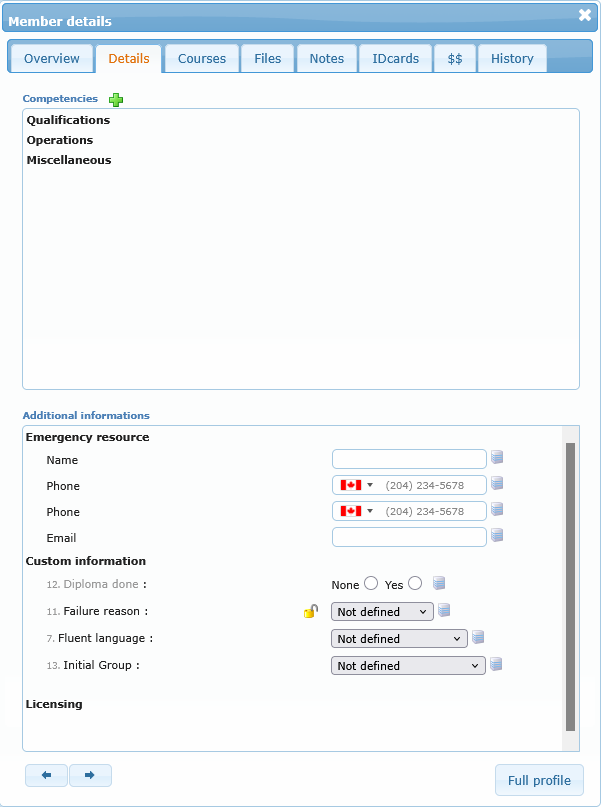
This tab is dedicated to competencies and additional information. From here, you can start competency updates and review complementary administrative details for the selected member.
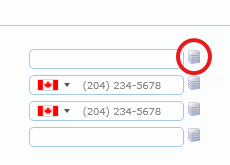
Any field with the following icon can be modified.
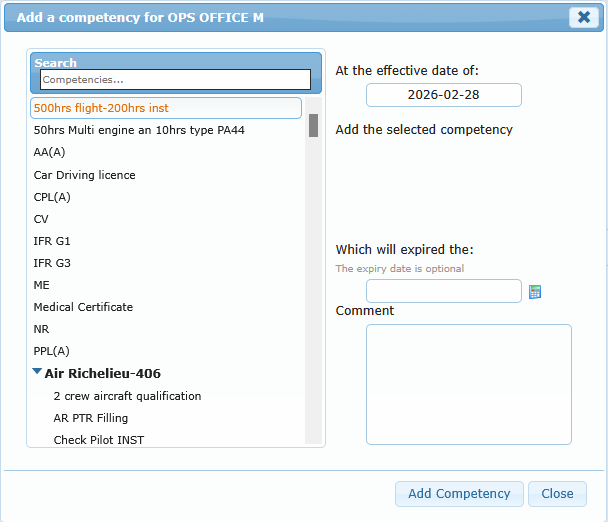
Adding a competency to the member profile can be done by clicking the Plus button, opening a dialog box to complete action.
Courses
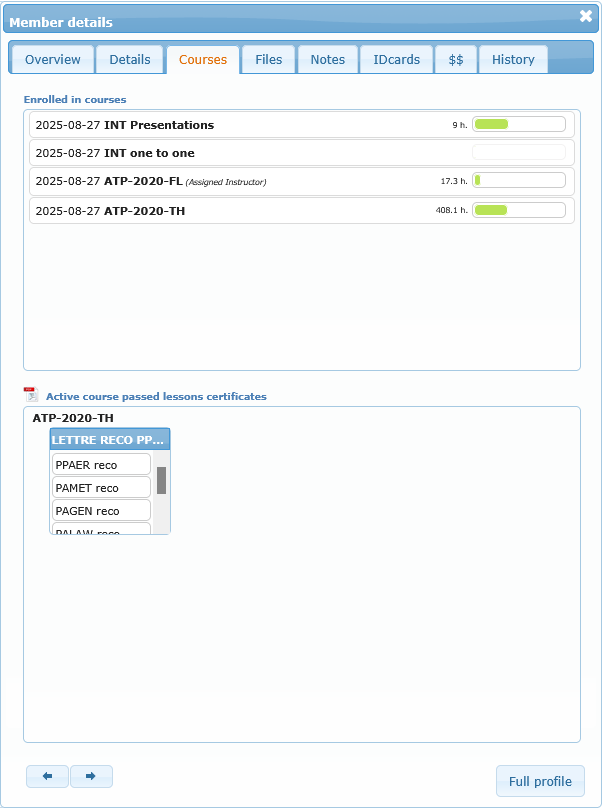
This tab shows the member’s enrolled courses and available lesson certificates. It is useful when admin staff need to verify course linkage and completed lesson documentation.
Files
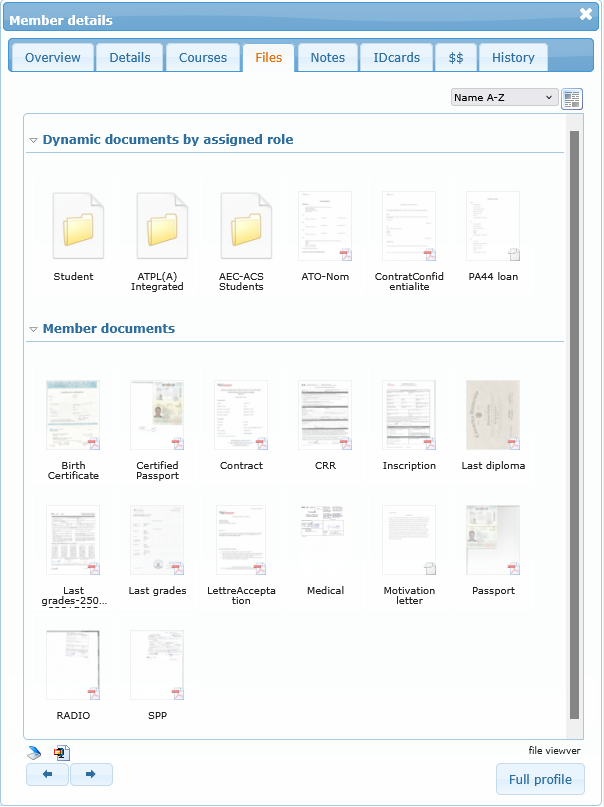
This tab gives access to member files and document area.
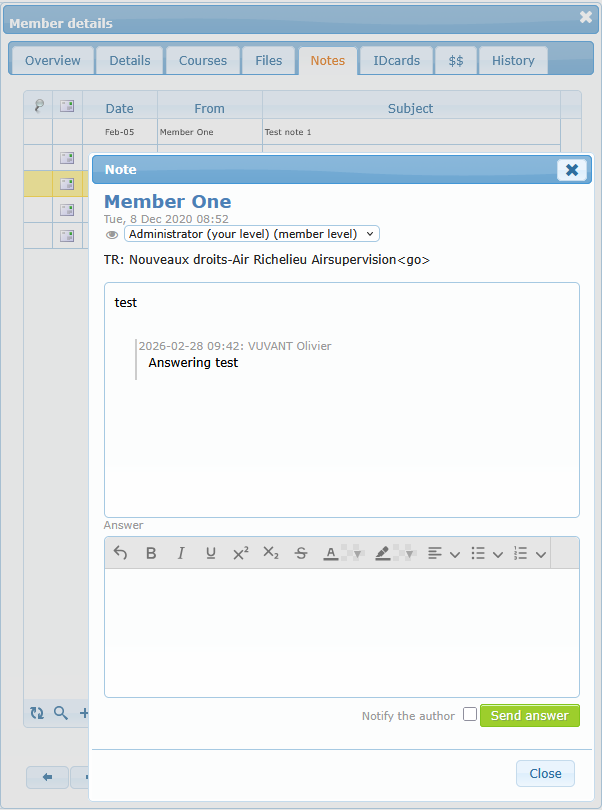
Notes (if enabled for your role)
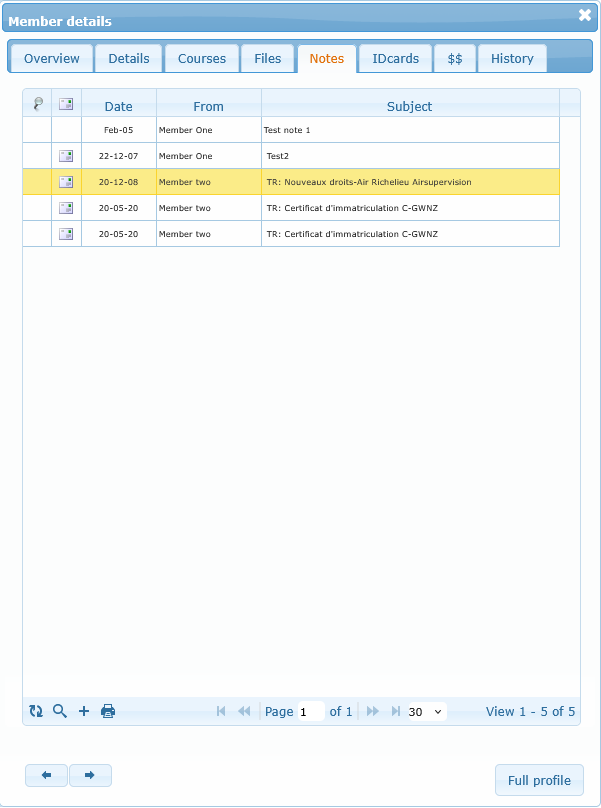
You can review and manage profile notes directly in this tab. This is typically used for operational follow-up comments shared by authorized staff.
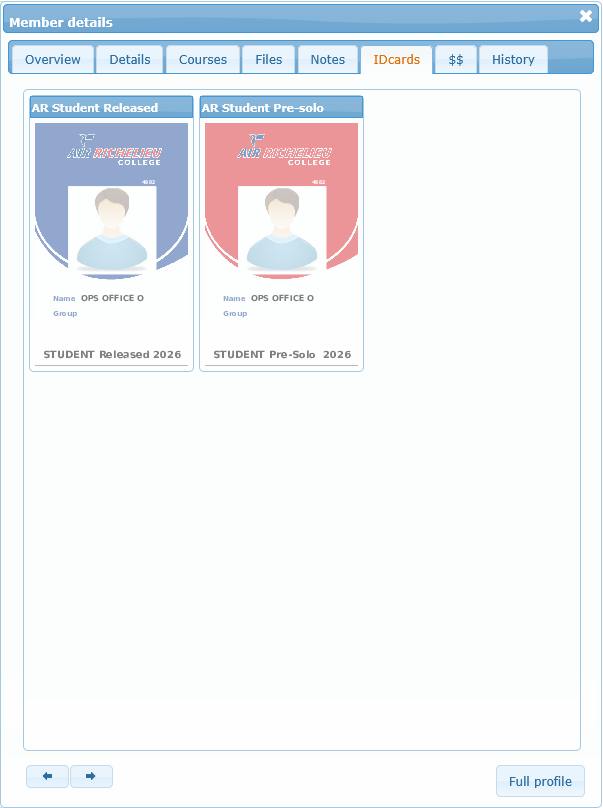
IDcards (if enabled)
This tab shows available member ID card layouts. Selecting one opens the printable card view.
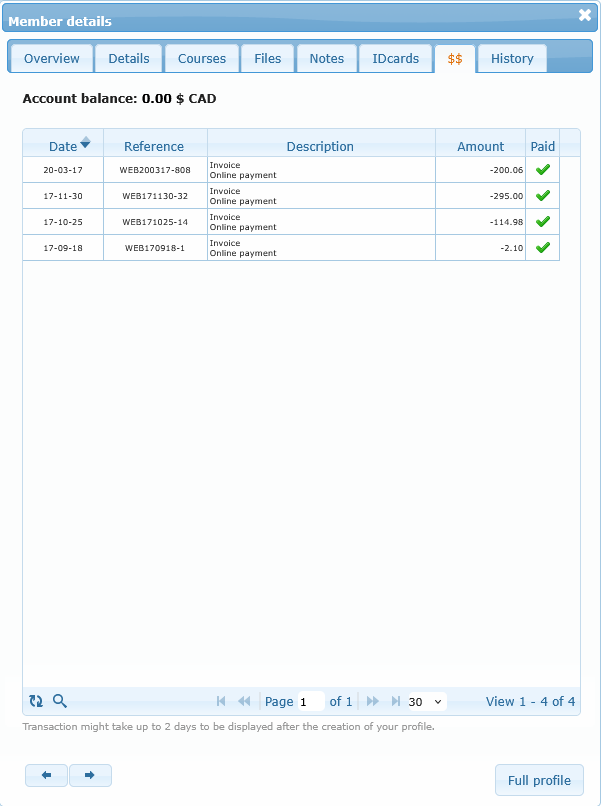
Account (if enabled)
This tab shows account balance and account-related transaction history.
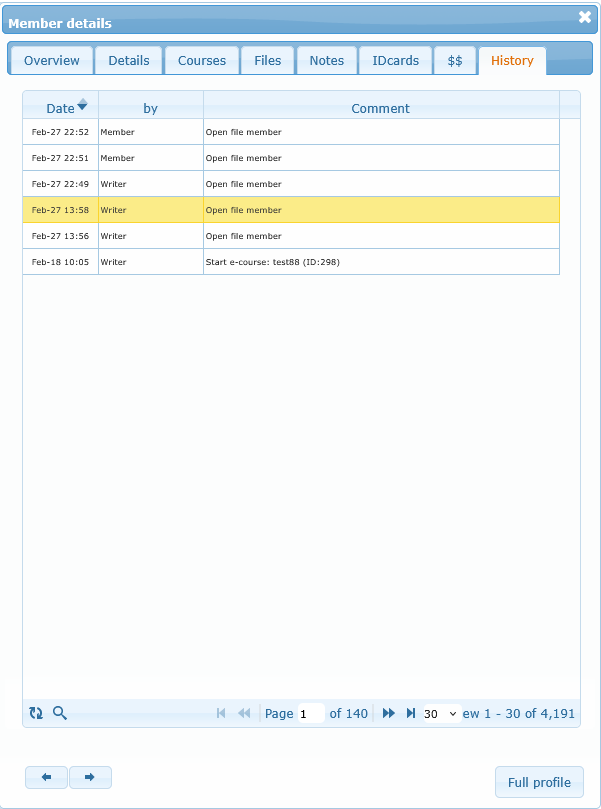
History (if enabled)
This tab provides member history traceability and search tools.