Published 27 February 2026, Updated 28 February 2026
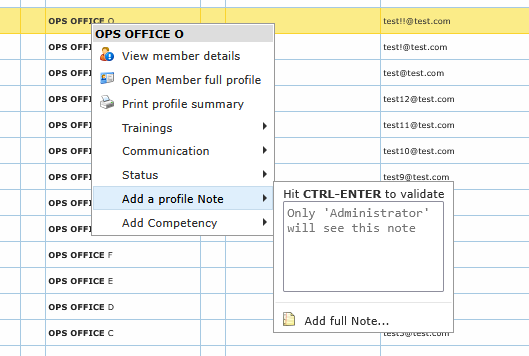
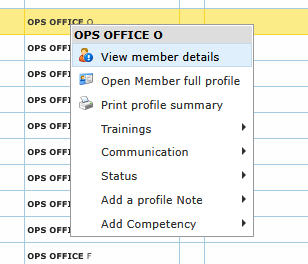
Right-clicking a member row opens a full action menu. This is the fastest way to launch targeted operations without leaving the list.
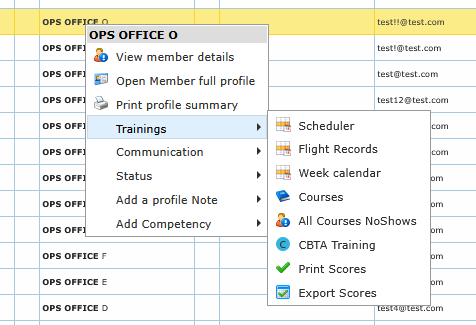
Profile and training actions
Common actions include:
- view member details
- open full profile
- print profile summary
- scheduler
- flight records
- week calendar
- courses
- all no-shows (if enabled)
- CBTA training
- print/export scores
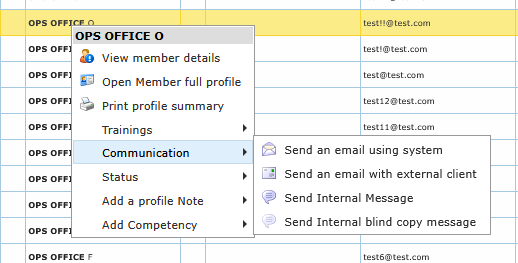
Communication actions
From one member row, you can:
- send an email using system mail
- open your external mail client
- send internal message
- send internal blind-copy message
- send SMS
- start call on compatible devices (phone/cell)
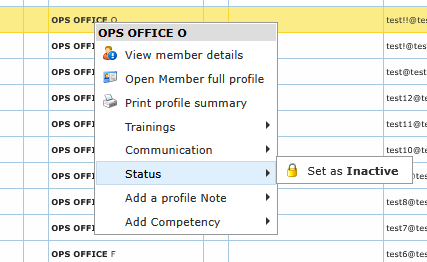
Status and access actions
Depending on permissions and selected profile state, you can:
- set member inactive / active
- reset access
- remove brute-force lock
These actions generally require confirmation.
Notes and competency shortcuts
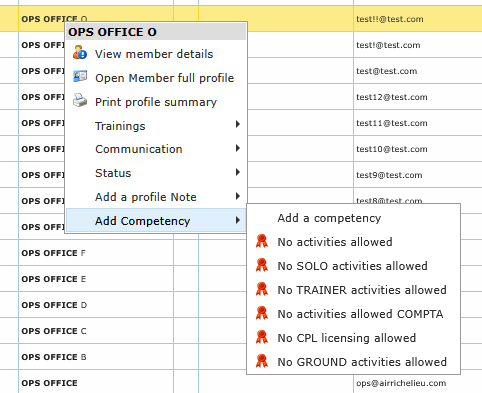
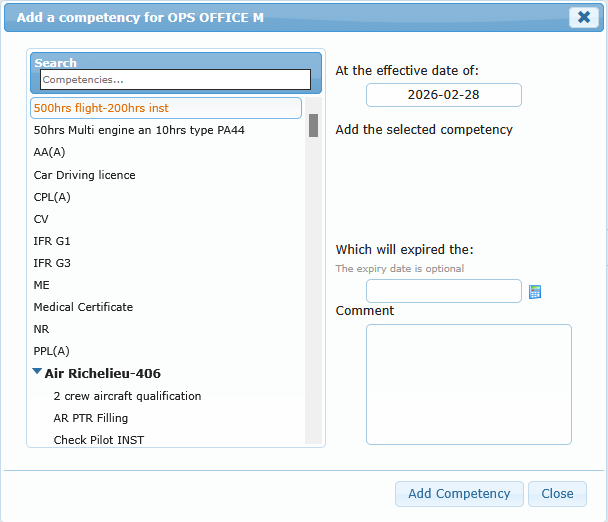
You can create a quick note directly from the menu or open the full note editor. You can also add competencies from context shortcuts.