Published 27 February 2026, Updated 28 February 2026
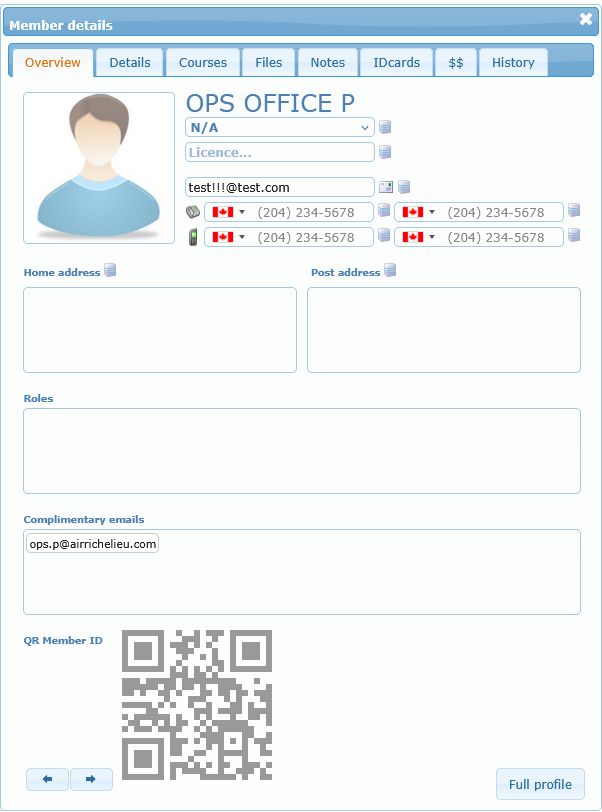
You have two main ways to open a member:
- Single-click a row to open the right-side Member details panel.
- Double-click a row to open the full profile page in a separate window.
The member panel is useful for quick operational checks without leaving the list. The full profile page is useful for deeper profile administration.