Published 22 February 2026, Updated 2 March 2026
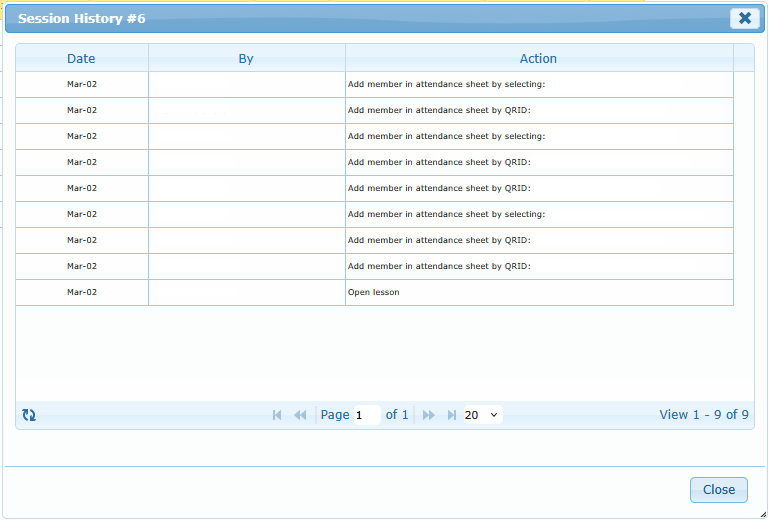
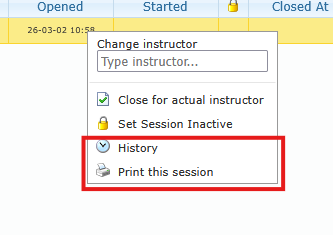
Use History to audit what happened in the session timeline.
Use Print this session or Print selected sessions for records and offline review.
History typically reflects operational actions such as:
- session closure
- inactive/reactivate actions
- attendee changes
- instructor/session adjustments (when applicable)
[SCREENSHOT: attendance-history-dialog | Capture: Session history dialog content] [SCREENSHOT: attendance-print-selected | Capture: Multiple sessions selected before Print selected sessions]