
Published 11 February 2026, Updated 27 February 2026
This page is for accounting and management staff who supervise punch operations. Your role is to keep records complete, coherent, and ready for reporting.
Important: the whole Puncher system is available only when root-level access is enabled by AirSupervision. For any enquiry, please contact suport@airsupervision.com.
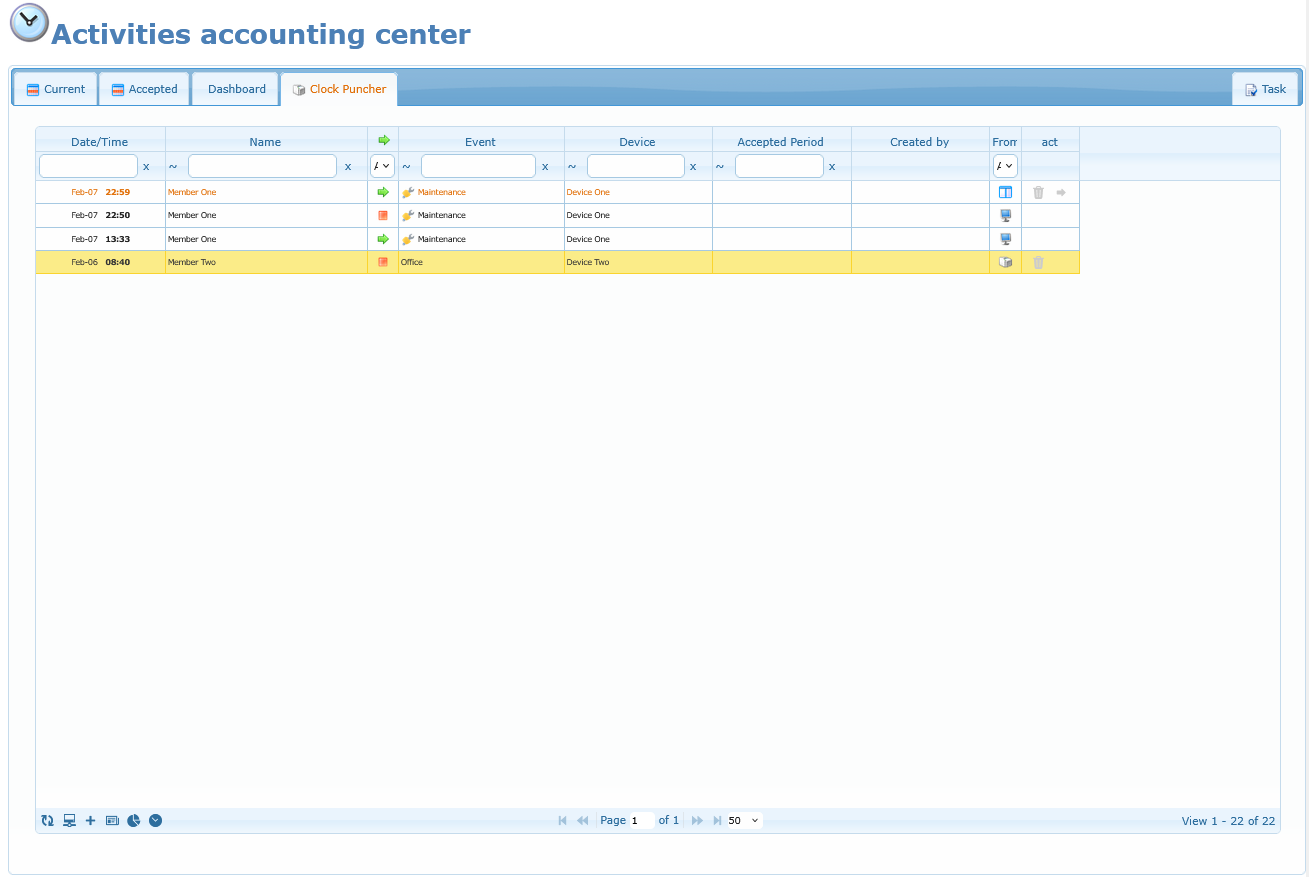
What You Can Do In This Area
The Clock Puncher area lets you manage the full process.
- Review punch lines in a timeline-style table.
- Manage authorized punch devices.
- Add manual punch-in actions when correction is needed.
- Punch out active lines from the table.
- Manage event types shown to users.
- Open statistics for period review.
- View history log
For good governance, use standard user flow as the default and admin corrections only when needed. This keeps data accurate, audits cleaner, and payroll reconciliation faster.
Access credentials
Only members with ‘Can validate and accept activities‘ option set in their profile can access the administrator panel.
Members shall have ‘Can enter and use the activities sheet‘ option activated in their profile and have available events assigned to be able to punch in or punch out.
Settings can be checked by members themselves in their profile.
Articles
- Reading the Punch Grid
- Device Management
- App Puncher Member Selection
- Punch Geofences Manager (App Puncher Only)
- App Punch History Map View
- Manual Punch-In (Correction Tool)
- Punch-Out From Active Row
- Active Punched-In Session Members
- Deleting Punch Lines
- Event Type Management
- Practical Restrictions and Limits
- Common Admin Troubleshooting
- History